
Learning with Screen Readers
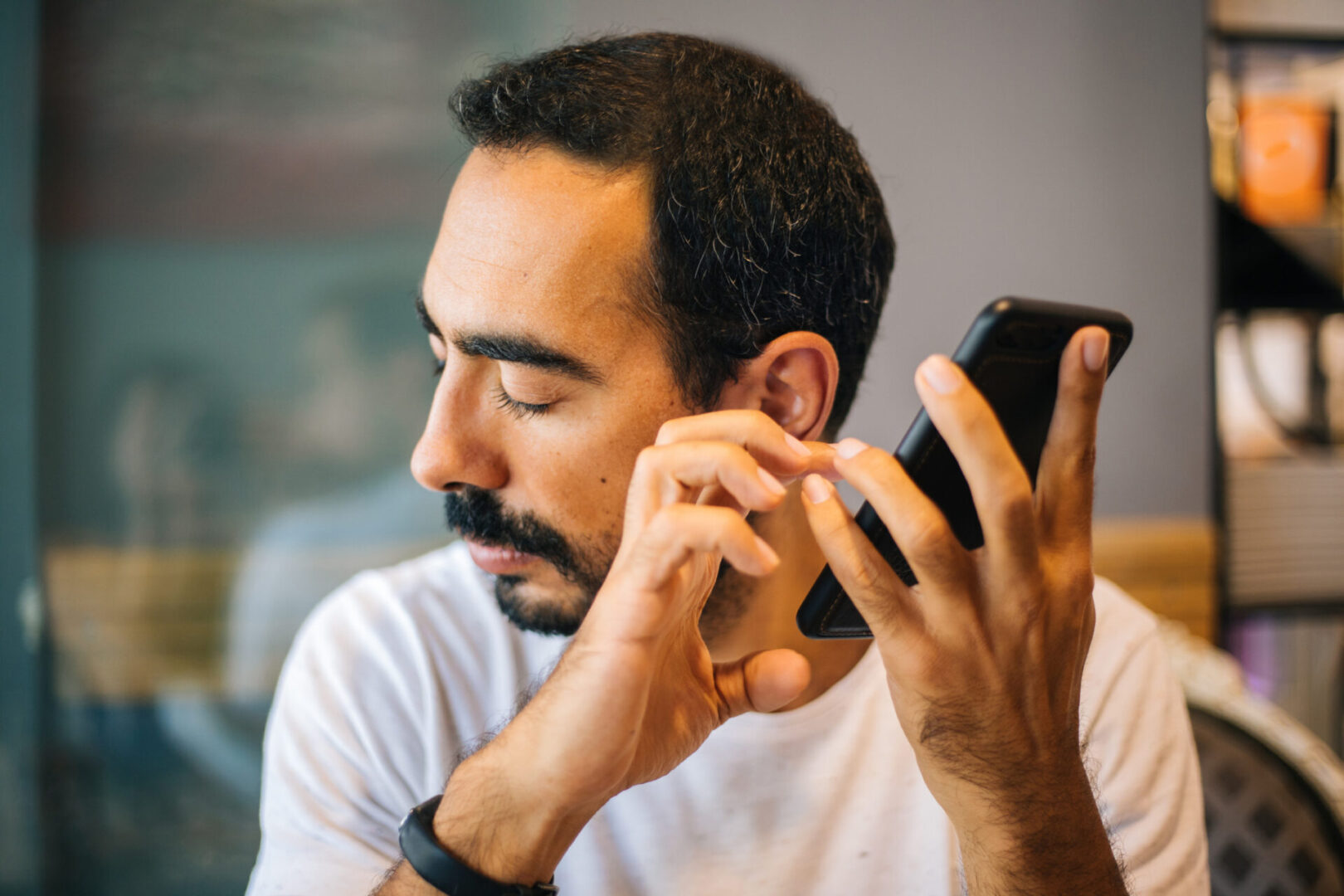
Screen readers are a part of everyday life for many people who are blind or low vision. They can be used in the classroom, during down time, in the office, and just about everywhere else a person who is blind or low vision goes that has the appropriate technology. With so much of our world relying on different pieces of tech, learning with screen readers is a key skill that those who are blind or low vision can master. We sat down with Joe Hodge, an APH employee who has been blind since birth to gain some tips about how to approach screen readers.
To learn with a screen reader, you first have to learn how to use a screen reader. This can be a daunting process, but Joe provides some advice to new screen reader users. The first being, “Don’t settle for just one.” Joe has made it his goal to know every single screen reader he can. He can navigate using JAWS on Windows, Voiceover on both MacBooks and iPhones, Talkback for Android, and ChromeVox for Chromebooks—just to name a few.
Joe has taken the time to learn all of these different systems for a few reasons. First, knowing so many different options give him the ability to switch back and forth. There is no such thing as a perfect screen reader. Each one can do something the others can’t. Being able to switch back and forth between them allows Joe to complete whatever he needs to. Second, knowing each and every screen reader gives Joe adaptability. If he goes somewhere that only has Apple products, he can access the technology.
However, there can be challenges to learning so many different screen readers. One of the biggest challenges is the hundreds of different commands that come with navigating each device, commands that change with each new screen reader you try. Obtaining access to each of the different types of technology can also be difficult at times. With that in mind, there are steps you can take to be proactive about overcoming some of these common obstacles. For example, if you have access to a Windows computer, learn all of the screen readers that you could use on windows. Similarly, if you have an Android phone, learn how to use Talkback along with some of the screen readers you can download from the Play Store.
Teachers and TVIs also play a huge role in a student’s mastery of a screen reader. Joe urges teachers to help students learn the universal commands for things like copy/paste or print, instead of memorizing all of the different keystrokes on every screen reader. He also wants parents and teachers alike to remember that screen readers can have shortcomings. Helping students with their problem solving and self-advocacy skills will help them overcome the inaccessibility they might face with a screen reader or in any other area of their life. On a more practical note, teachers and parents can also create IEP goals that focus on screen readers to make sure their students have the time and space to master navigating the device!
Joe’s advice for students: “Practice using screen readers whenever you can. The more proficient you are with a screen reader, the easier learning on a computer, tablet, or smartphone will be. There is always a learning curve when it comes to picking up a new screen reader, so mastering it before you are asked to complete a school assignment or something for a job will make it easier for you to succeed,” Hodge says. “Learning a screen reader is an investment for you future.”
Finally, there are a few other details and tips Joe thinks teachers, parents, and students alike can benefit from. Learning how to use a braille keyboard as well as a print keyboard gives a blind or low vision student the ability to use both and choose whichever one fits their needs most. Podcasts and training tools can also be helpful resources when trying to keep up with all of the updates and changes.
Screen readers are tools that open up technology to those who are blind or low vision. They come with their own unique challenges but giving students the ability to learn as much about them as possible as soon as possible opens up a realm of knowledge and independence that will follow that student through school and beyond.
Share this article.
Related articles
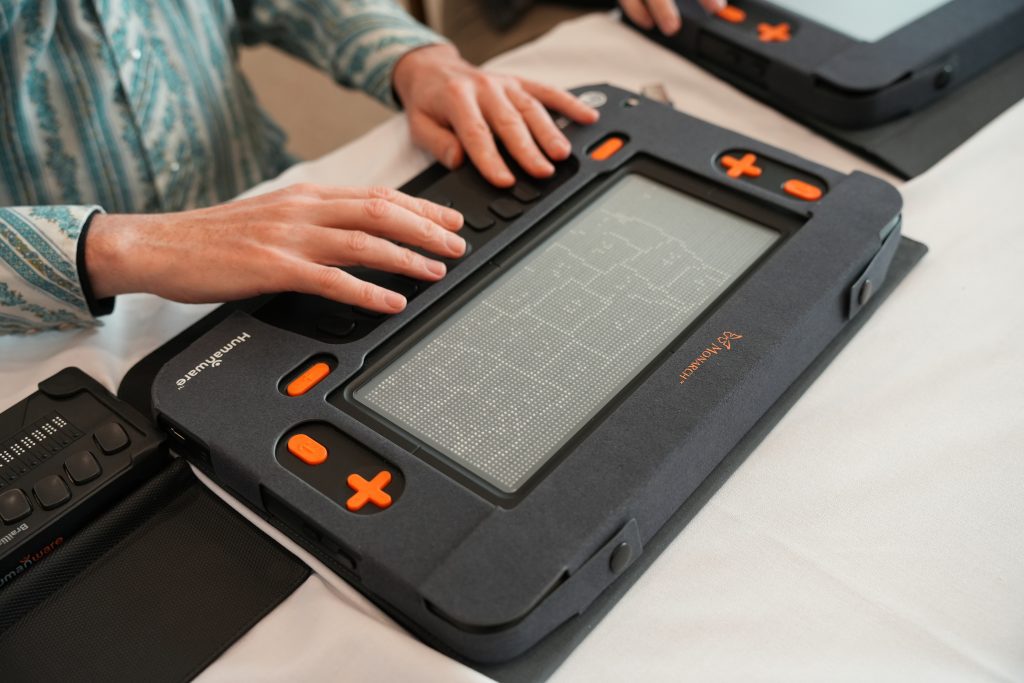
The Monarch Supports a New Era of Visual Learning
80% of learning is visual, and teachers often tailor their lessons accordingly. This often presents barriers for students who are...
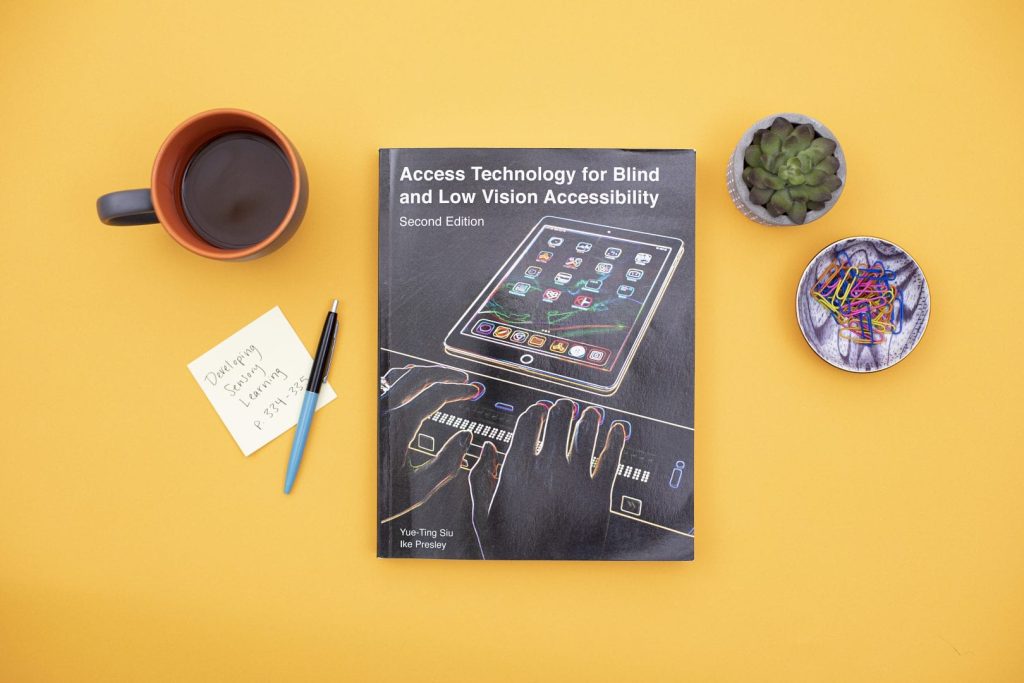
Utilizing Access Technology for Blind and Low Vision Accessibility in the Evaluation Process
The use of technology in the classroom has changed vastly over the years. Finding the best tool or device to...
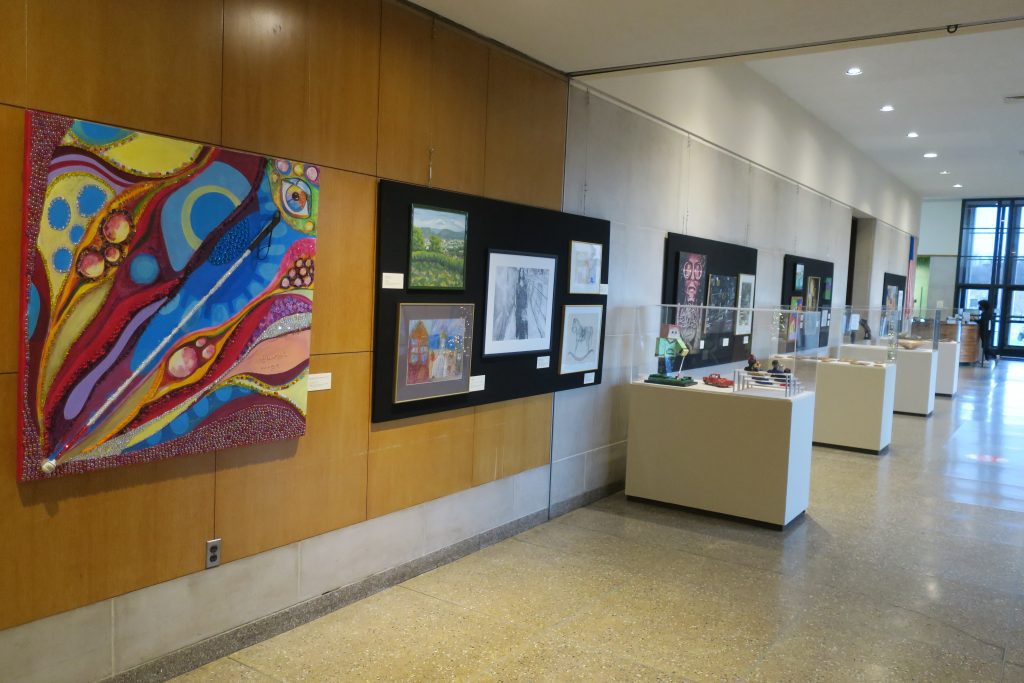
APH Brings Inclusive Arts Exhibit to Huntington, WV
On December 7, 2021, APH Huntington, a program of the American Printing House for the Blind (APH), celebrated the work...