To ensure your items arrive in time for the holidays, please place all orders using Free Matter shipping by Saturday, November 29 or by 12pm on Thursday, December 18 for UPS or USPS Priority shipping. School orders will be held after Monday, December 15 through the end of the year.
Close
Terminal Mode Goes Live with JAWS on Monarch
September 16, 2025
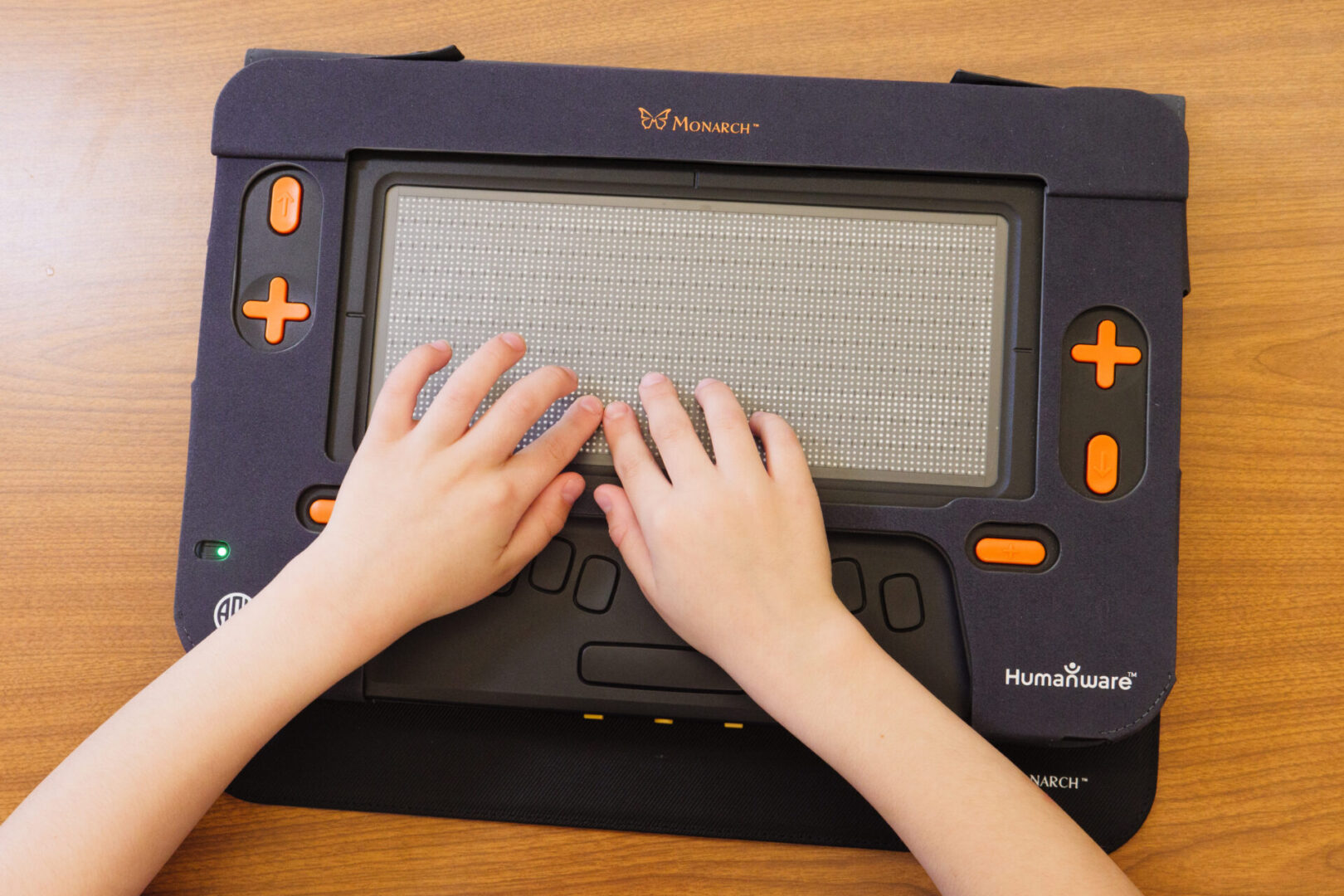
Monarch’s terminal mode app bridges the gap between screen readers and multi-line braille displays. The program allows for the two device types to work in tandem, providing a comprehensive reading and navigation tool for all users. Thanks to the newest updates from NVDA and Vispero’s JAWS, the two screen readers are officially ready for terminal mode use with Monarch.
Terminal mode relies on screen reader support to transfer information from the screen onto Monarch. The application became available with the 1.3 Monarch update and now has support from the recent JAWS and NVDA updates to be used through USB connection. The expansion to Bluetooth connection is expected to come soon. Continued expansion of terminal mode to other screen readers is also on the way.
Using terminal mode with the NVDA screen reader allows users to experience wrapped mode, which intelligently adjusts the text to fit the multiline display for a more natural reading experience. When using the JAWS program, Monarch users have even more options for personalization in how they interact with text in terminal mode. The first is cropped mode, an innovative way to detect and display table content, such as tables found on the web or Excel spreadsheets. Cropped mode spatially aligns tables and sets of data to help users explore information in its correct formatting. Within cropped mode, users can ‘zoom’ into specific columns, rows, and even individual cells of data. This allows for granular exploration of data without compromising on formatting.
JAWS also supports split display, a new way to split the Monarch’s display into two independent sections, like having two monitors on one device. Users can choose specifically how much of the screen they’d like to split, and between which tabs. Students could complete assignments with date sets and tactile graphics appearing in tandem alongside their questions. Split display creates a world of new possibilities for individualized displays to support each user.
With Monarch’s innovative braille cell design, it is the only multi-line display with touch capabilities in terminal mode. Users can read, write, and edit all at the same time. Monarch’s touch capabilities allow for the option to “point and click.” Touching a specific dot, followed by the action button, moves users to that exact spot for editing, reviewing, and careful review of materials.
“Terminal mode on Monarch is a fully input and output experience,” said APH’s Head of Global Technology and Innovation, Greg Stilson. To begin using, ensure both Monarch and JAWS or NVDA programs are updated to the newest version. Terminal mode is live now!
Share this article.
Related articles
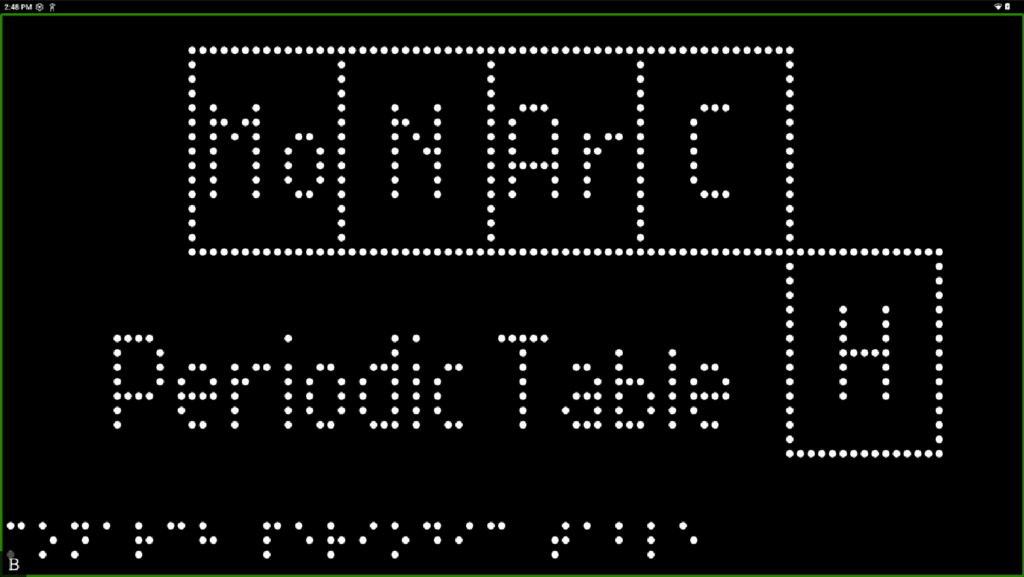
Reimagining the Periodic Table
The Periodic Table is a staple of science education, but for students who are blind or low vision, it’s often...
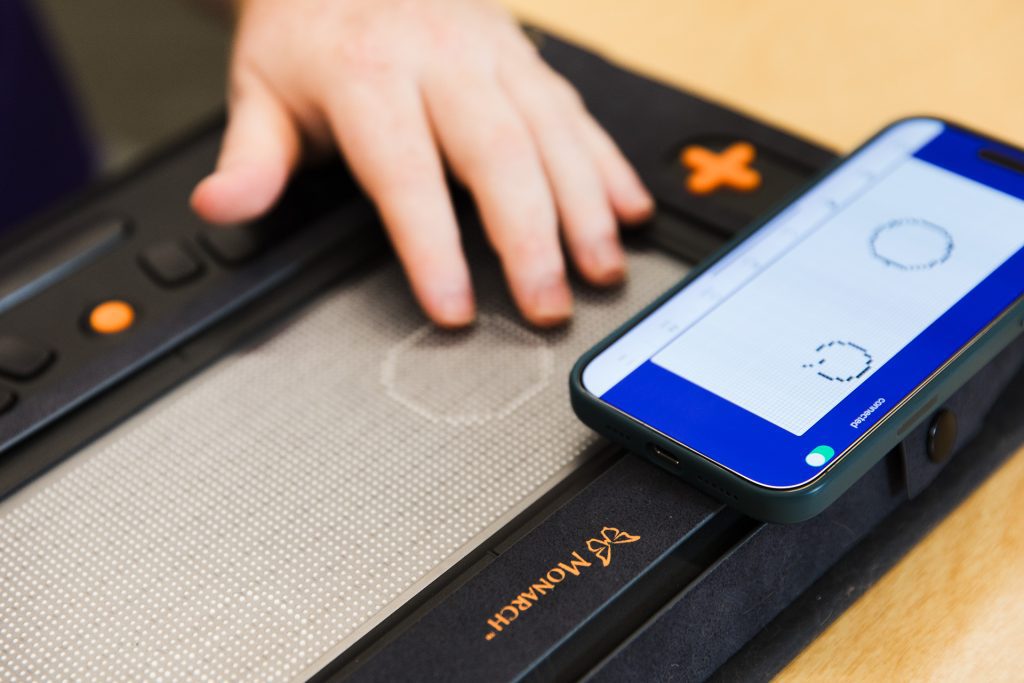
Helping Students Soar with Wing It
With an ever-growing need for tactile graphics, American Printing House’s new Wing It app puts tactile images into the hands...
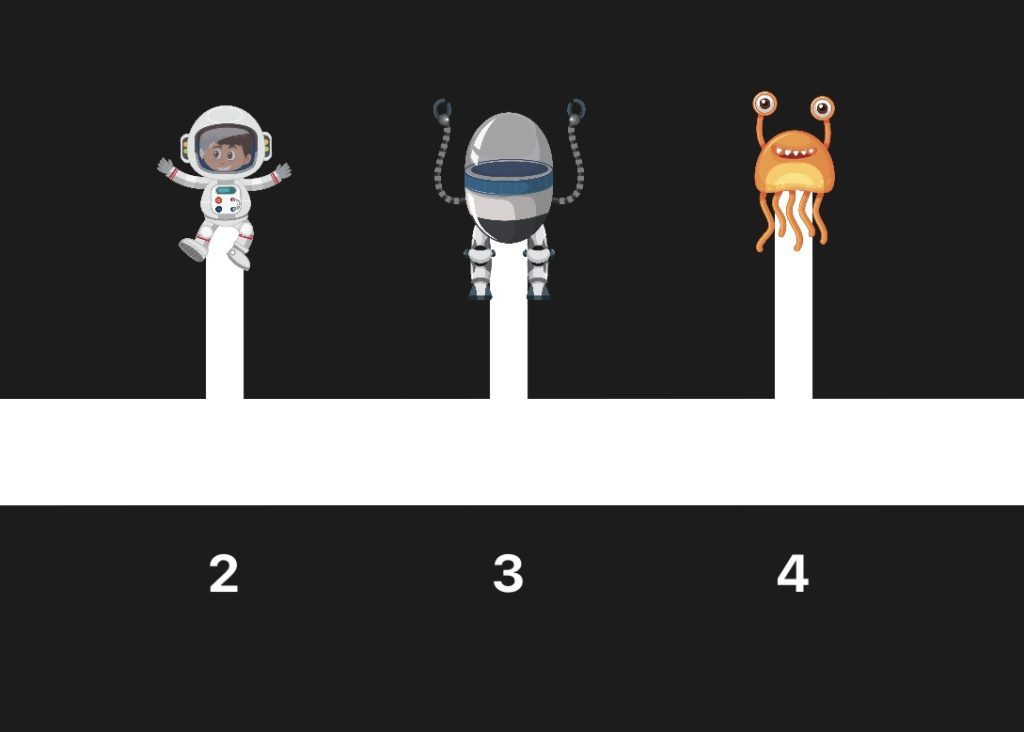
Mastering Both Math and Space with the Cosmic Number Lines App
An accessible, engaging iOS game, the Cosmic Number Lines App was designed for early elementary school students who are blind...