Coding is fun, challenging, and accessible across platforms and skill levels. Join us for a dynamic blend of inspirational speakers, thought-provoking panel discussions, illuminating presentations, and hands-on demonstration sessions. You can read about previous coding symposiums from a non-coding perspective in our blog, Accessible Coding: A Reflection From a Non-Techie.
National Coding Symposium 2025 Agenda
12/09/2025 12:00 – 4:30 EST
12:00-12:10 EST – Welcome
12:10-1:10 EST – Title: JetBrains IDEs: Smarter tools for bigger code
Presented by Michael Whapples
Session Description:
As code projects grow, tools are needed to work effectively with these larger code bases. In this presentation the JetBrains IDEs will be introduced as an accessible development environment. The presentation will walk through creating a project, editing code, reviewing errors and warnings, refactoring tools and running the code. These tasks will be demonstrated with a screen reader, with accessibility settings and keyboard shortcuts being discussed.
*** Target audience and prerequisite knowledge The target audience is those who either have learnt the basics of programming and need tools as they start working on larger multi-file code bases, or those supporting or teaching such people. Whilst coding will be demonstrated, it is not required that audience members know the programming language used in this presentation.
Learning objectives
- Discover the JetBrains IDE collection for intermediate to advanced coding.
- Explore accessibility options of the IDEs.
- Identify the application of an IDE in preparation for Higher Ed.
- Understand the basics of working with a project in a JetBrains IDE.
1:10-1:40 EST – Title: Beyond the Code: Fostering Literacy, Social Skills, and Independence with KaiBot Robotics
Presented by Ben Davisson
Session Description:
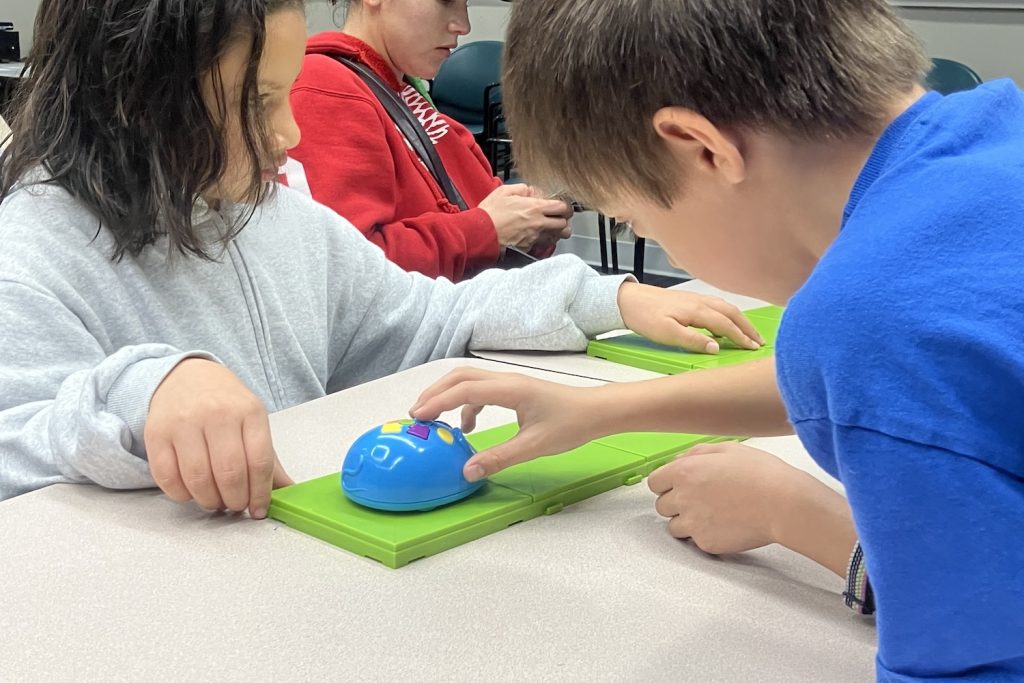
This presentation focuses on the holistic educational impact of KaiBots, framing them as a multi-tool for developing a wide range of academic and life skills. Not just coding.
Traditional coding tools often create a “digital divide” for students with visual impairments and deafblindness. This presentation will demonstrate how the KaiBot, a unique tactile and multi-sensory robot, serves as a powerful, cross-curricular teaching tool. This session will explore how KaiBot’s braille and audio-enabled design directly enhances social-emotional learning, braille and print literacy,
Orientation and mobility (O&M), and key concepts in math and science.
Attendees will learn practical strategies for using this single device to address diverse learning goals while fostering confidence, collaboration, and independence in students who are blind, visually impaired, or deafblind. The session will feature hands-
On demonstrations and real-world examples of how KaiBots can be used to enrich the Expanded Core Curriculum.
Learning Objectives:
By the end of this presentation, attendees will be able to:
- Identify how KaiBots support the development of braille and print literacy through a hands-on, interactive format.
- Explain how using KaiBots and their tactile grid system can teach fund a mental orientation and mobility concepts.
- Describe at least three ways KaiBots promote social skills and collaborative learning in inclusive settings.
- Implement activities that use KaiBots to teach core concepts in math and science, such as sequencing, variables, and physical forces.
1:40-2:00 EST – Title: Quick look at CJ Threads
Presented by Liam Erven
Session Description:
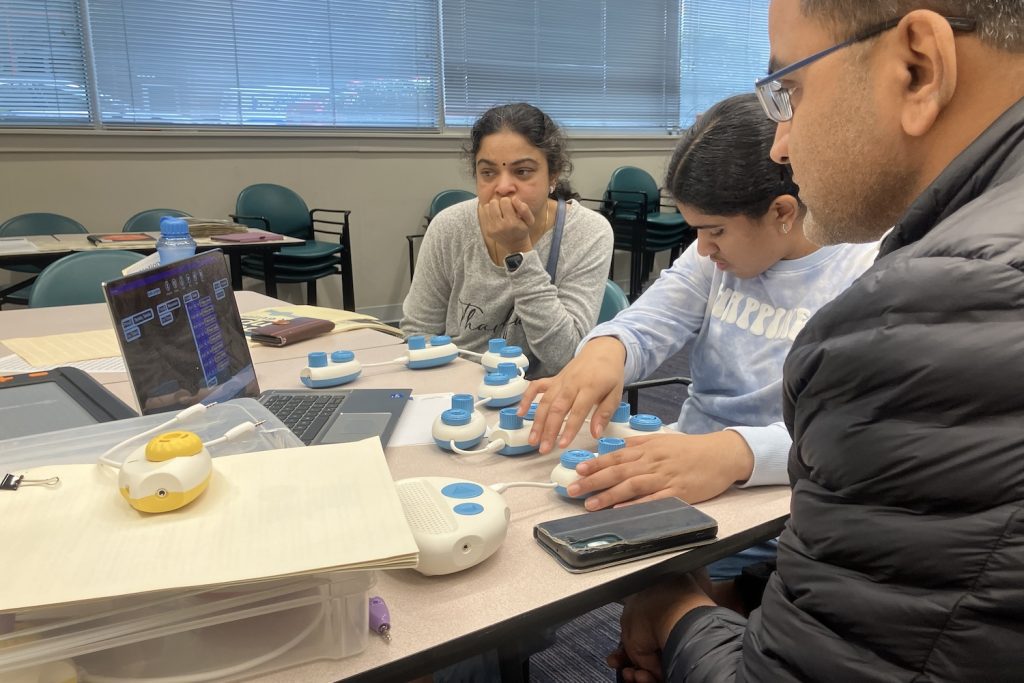
Watch live demo of the new way Code Jumper can start to bridge coding concepts to learning Python code.
2:00-2:10 – Short Break
2:20-3:20 EST – Title: LaTeX in HTML Teaching Session
Presented by Dr. Stacy M. Branham
Session Description:
This presentation introduces a hands-on approach to integrating LaTeX into HTML to support computational thinking and mathematical accessibility in computer science education. Beginning with a brief overview of research on math accessibility and its role in easing the transition to higher education, the session connects LaTeX’s structured syntax to core computational thinking concepts such as nesting, pattern matching, and semantic encoding. Participants will engage in a live demonstration of LaTeX-to-MathML conversion and practice embedding LaTeX in HTML using MathJax. Through interactive coding exercises and comparative examples, the session highlights how accessible math representation can enhance learning outcomes and inclusion in CS classrooms. The presentation concludes with a discussion on usability and feedback, inviting educators and developers to reflect on practical applications in their own teaching environments.
Learning Objectives:.
By the end of this session, participants will be able to:
- Understand the connection between LaTeX and computational thinking
- Write basic LaTeX expressions for mathematical notation
- Use the LaTeX to HTML conversion tool effectively
- Recognize how mathematical accessibility impacts CS education
3:20-4:20 EST – Title: Succeeding in Coding in Higher Education
Presented by Deborah Armstrong
Session Description:
Join us for an interview with Debee a blind programmer. She will speak on how blind post-secondary students can convince professors that this field is right for them. At the college where she works, so many blind students have failed their first programming course because the curriculum was not accessible and the professors were not convinced the student could succeed. As someone who succeeded by being self-taught and proactive, Debee often works hard to teach both her students and their instructors how to go about learning to code. She would like to share her experiences and tips.
4:20-4:30 EST – Closing