
Search Results
-
Learn a few tips and tricks to help you find the products and information you are searching for.
Tip 1: Start with a catalog number
If you are searching for a particular product on our shop start with the product catalog number. All shop products are associated to a catalog number and can be found quickly by searching with that number.If you are wondering where to find a product catalog number you can download or order any of our product catalogs (https://www.aph.org/catalog-order-form/) each containing product catalog numbers for the products you are trying to find at no charge to you. Also, you can download the catalog to your personal device or print the catalog for your future off-line reference.
Note: Because we add new products, update products and discontinue products our print catalog and website will not always reflect the same exact products. We update our catalog annually and our website as products change. Please be aware that some products do not appear on our website.
For a list of discontinued products please reference the area labeled MyResources in your APH Federal Quota online account at www.aph.org .
For help searching for replacement and consumable parts by part number, see Tip 4 and you will be able to find the APH Parts Catalog here https://www.aph.org/catalog-order-form .
Tip 2: Search using product titles
If you are searching for a specific product on the APH web shop and you do not have a product catalog number, then use a product title. All products have a title which can be found as the leading text on every product page.Our product catalogs are a good place to find product titles. Even though the product titles on the web site do not always match our product titles in the catalog it will be helpful to use an iteration of the product title to use in the search. See below for examples.
Without a catalog or if you need to search quickly try to provide a product’s title and so long as you are able to provide enough keywords from a products title your ability to return the product you are searching for will be greater. Title accuracy produces the best results.
Some examples include:
- Mini-Lite box vs Mini Light (check for dashes) – Mini-Lite box is the correct product title
- TactileDoodle vs Tactile Doodle (check for spaces between two words) – TactileDoodle is the correct product title
- Building on Patterns First Grade vs BOP 1st grade (check for words that may be abbreviated) – Building on Patterns is the correct product title
- Video Mag HD versus HD (Use as much of the title as possible as using two letters “HD” will not produce the Video Mag HD) – Video Mag HD is the correct product title
Tip 3: Search using topics
If you are not searching for a product but instead are searching for information on APH.org consider searching for topics such as; accessibility, education, fitness, etc. as a few examples. Topics are abstract and can only be found if it exists within the content of a page on APH.The header and footer navigation is another great way to search our site. Our header navigation takes you to static content within our site about our organization, while our footer contains pertinent as well as dynamic information such as Articles which are periodicals and Newsroom which are important updates from APH.
Tip 4: Searching for Optional and Replacement Parts
If you are searching for optional or replacement parts for products on the shop, all parts are now found on the associated product page. You can search for the parent product that the part is associated with to find it within the Optional and Replacement Items of the product page.Tip 5: Searching for books (Excluding APH Press books)
When searching for large print, braille or audio books, we recommend that you search for those types of books on Louis.APH.org. Once you find the book you are searching for (so long as it is a title that APH produces. For more info contact our customer service) copy the catalog number from Louis and then search for it here on APH.org.If searching for APH Press titles, simply search for the title you are searching for on APH.org. All APH Press titles are available through our search.
Tip 6: Expanded Search Filtering
When searching on APH.org you can filter the results. First just below the search bar are four filter types; Pages, Products, Posts, and Documents. By default a search will contain all four of these results along with how many results have returned for each type. Pages are the common pages that make up APH.org. Products are found on the APH shop. Posts are blog articles and news updates. Documents are downloadable files and documents associated to products such as manuals and software. You can narrow your search to any one of those types to help you find what you are searching for.If you are still having trouble finding what you are searching for on APH.org please call our customer service line and speak with an experienced representative that can assist.
Customer Service can be reached at: 800-223-1839 or email support@aph.org. Hours are from 8am to 8pm weekdays.
We’d also like to inform you that we at APH are working very diligently to make APH.org the best experience possible in every way that we are able. If you have any feedback, please contact our customer service team and provide us with your thoughts as to how we can improve the experience for you. Otherwise, keep checking back as we have some very exciting updates in the works in the near future!
Searching for textbooks from APH or other accessible media producers? Go to Louis.
25 results found
The Dot Experience Cast: Bhavya Shah
Bhavya Shah is driven, personable, and dedicated to his education, his craft, and to keeping accessibility in every conversation. Early Life and Vision Loss Shah experienced...
Article
The Dot Experience Cast: John Furniss

John Furniss, or The Blind Woodsman as he is known to his 2.6 million social media followers, is a champion...
Article
The Dot Experience: More than Just a Museum
Darrick Wood became the Director of The Dot Experience in December. “I couldn’t be more excited. It feels like my whole career has...
Article
The Dot Experience Cast: Precious Perez
Latin Pop artist, songwriter, author, and educator, Precious Perez is a dedicated advocate for disability awareness in all parts of her life....
Article
The Dot Experience Cast: Joe Strechay

Joe Strechay is a pioneer in media accessibility, a public speaker, producer and consultant for television, and a champion for...
Article
The Dot Experience Cast: Judy Dixon
Judy Dixon is a woman of humility, generosity, spunk, and drive. Judy worked for the National Library Service for the...
Article
The Dot Experience Cast: Mike May

Mike May is an exceptional access warrior with extensive experience and knowledge regarding accessible navigation technology and a love for...
Article
The Dot Experience Cast: Chris Downey

Chris Downey is an example of perseverance in the midst of the unknown. He is a champion of accessibility and...
Article
The Dot Experience Cast: Khadija Bari

Khadija Bari is intentional, innovative, intelligent, and dedicated to ensuring that the people around her take full advantage of every...
Article
The Dot Experience Cast: Tim Hornik

A beacon of positivity, independence, and dedication, Timothy Hornik has dedicated his adult life to serving members of the blindness...
Article
The Dot Experience Cast: Sugandha Gupta
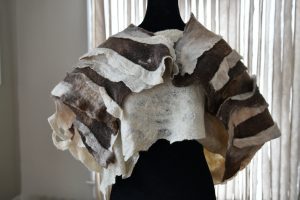
Artist, designer, educator, and disability advocate Sugandha Gupta is incredibly passionate about what she does. Join us as we discover...
Article
Connect the Dots and The Dot Experience Cast Provide Perspective on Accessibility and Lived Experiences
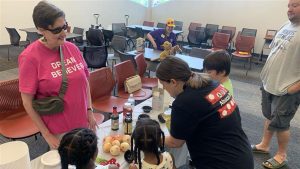
Through The Dot Experience and our education series, Connect the Dots, powered by the PNC Foundation, we are working diligently...
Article
The Dot Experience Cast: Denna Lambert

Denna Lambert has always set her sights high. As the Partnerships Lead for NASA’s Space Technology Mission Directorate, she champions...
Article
Celebrating the First Guide Dog at The Dot Experience
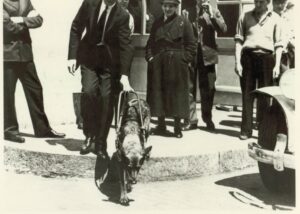
September is National Guide Dog Month. These furry companions play an integral role in ensuring their handlers who are blind...
Article
The Dot Experience Cast: Patrick Henry Hughes
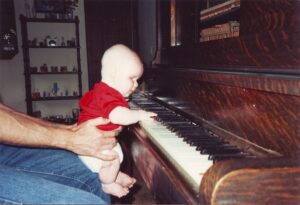
Patrick Henry Hughes is a musician, motivational speaker, and champion for accessibility. Throughout his life, he has been an encouragement to those around him,...
Article
Literacy Through Touch: Introducing Braille with The Dot Experience Programs
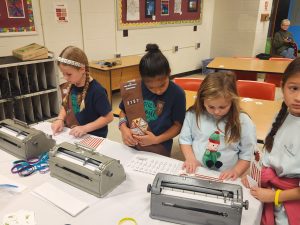
The six dots in The Dot Experience logo represent the structure of the braille cell, an important code that makes...
Article
Bringing Helen Keller’s Water Pump to Life at The Dot Experience
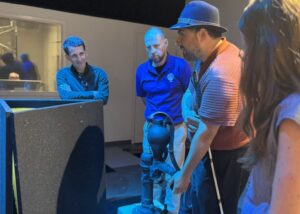
What was it like for six-year-old Helen Keller to discover language? Those seconds of wonder, understanding, and awe are frozen...
Article
Connect the Dots Event Emphasizes Accessibility in All Careers
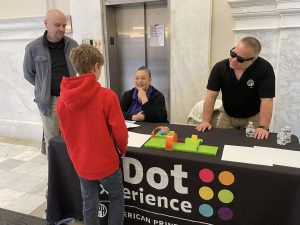
On Saturday, February 1, The Dot Experience team, APH staff, and volunteers attended the 2nd Annual Teen College & Career...
Article
Blindness History Basics: The First Publication of the Braille Code
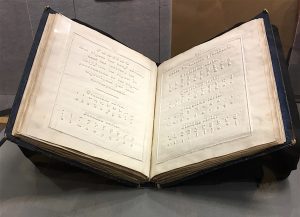
Louis Braille’s code lives on today as individuals who are blind and have low vision use his system to read...
Article
Exploring the World of Sound and Vibration with Connect the Dots
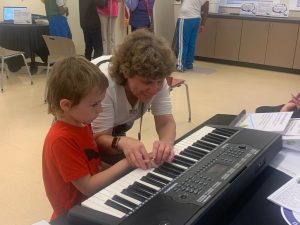
At our October Connect the Dots event held at the Western Louisville Free Public Library, families had the opportunity to...
Article
The More Things Change
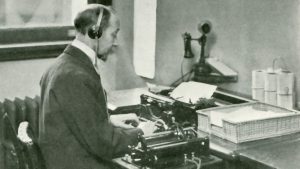
Images of light and darkness are typical components of lots of historical writing about blindness. In our museum collection is...
Article
December Reflections and Transitions

Late December is always a great time for reflection. There have been a lot of big changes in the museum...
Article
Working Through Changes
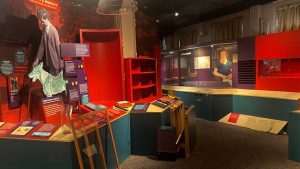
I gave my last tour of the “old” museum this morning. I thought it would feel weird, but it felt...
Article
Making the Monarch: A Revolutionary Device for All
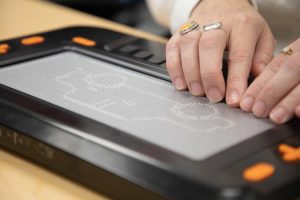
People often picture the majestic butterfly when they hear the name “Monarch.” As part of our braille metamorphosis at APH,...
Article