
Introducing the BRF to eBraille Converter
We are excited to introduce the BRF to eBraille Converter, a new tool that helps bridge familiar braille workflows with the future of digital braille.
eBraille is a digital format designed specifically for braille. It combines the precision of traditional braille formats with the flexibility of modern ebooks, making it possible to support dynamic multiline braille, richer navigation, embedded metadata, and bundled tactile graphics. For readers who want a deeper overview of what eBraille is and why it matters, we encourage you to explore the eBraille specification and background materials.
The converter is one of the first practical ways many people will interact with eBraille. Its purpose is straightforward. It takes an existing BRF file and converts it into an eBraille file that can be read, reviewed, and tested on eBraille capable devices and software. Under the hood, the process is complex. The converter analyzes spacing, indentation, page structure, and formatting patterns, then applies structure and markup so that the content can behave like a modern digital document while still respecting established braille rules.
For braille readers, this opens up new possibilities. eBraille makes it easier to navigate content using headings and links, organize materials using meaningful metadata, and includes tactile graphics as part of a single, well-defined file. It also supports a future where the same braille content can be read on single line displays, multiline devices, and other emerging technologies without needing to be recreated each time.
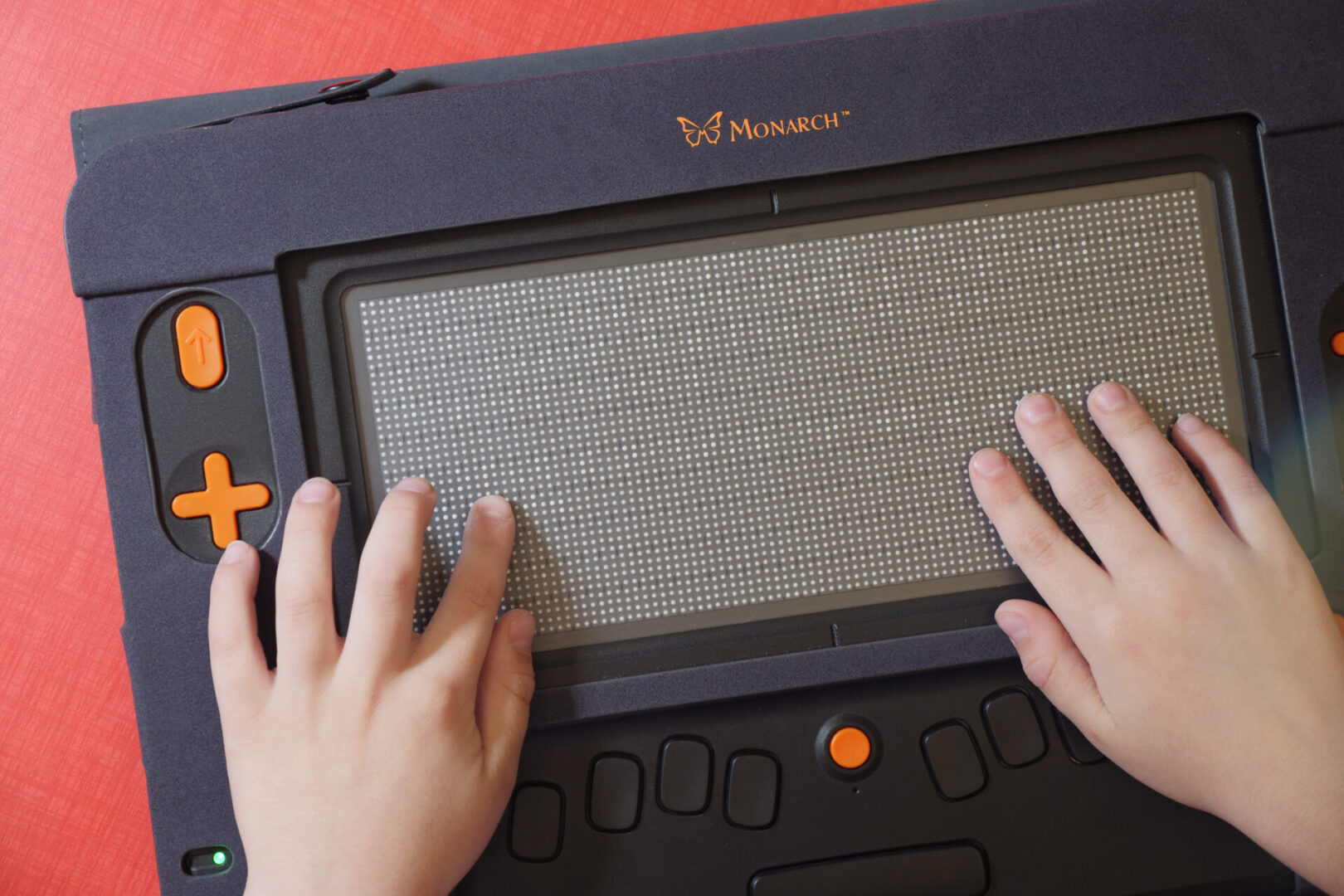
Monarch is currently the first multiline braille display to support eBraille, and recent updates have continued to improve how eBraille content is rendered and navigated. If you are interested in how eBraille is being used on Monarch today, check out our Meet eBraille page or the Monarch 1.4 blog for more information about recent enhancements and performance improvements.
If you do not have access to a Monarch, you can still explore eBraille. After converting a file, you can change the file extension from .ebrl to .zip, extract the contents, and open the index.html file in your default web browser. This allows you to examine the structure of the eBraille file and review its content. It is important to note that the visual presentation in a browser is not an accurate reflection of how the content appears on a tactile surface. However, the file can also be accessed using a screen reader and braille display for a more meaningful braille reading experience.
This converter is an early but important step. It is designed to support learning, experimentation, and feedback. We know there are many different braille practices, teaching contexts, and production workflows, and we want to hear how the converter works for you. Your experiences will help guide future improvements to the tool and to eBraille itself.