Buy your tickets to The Dot Experience today. Doors open October 30.

Making Computer Independence Accessible with Iris
October 27, 2026
The Importance of Accessible Typing
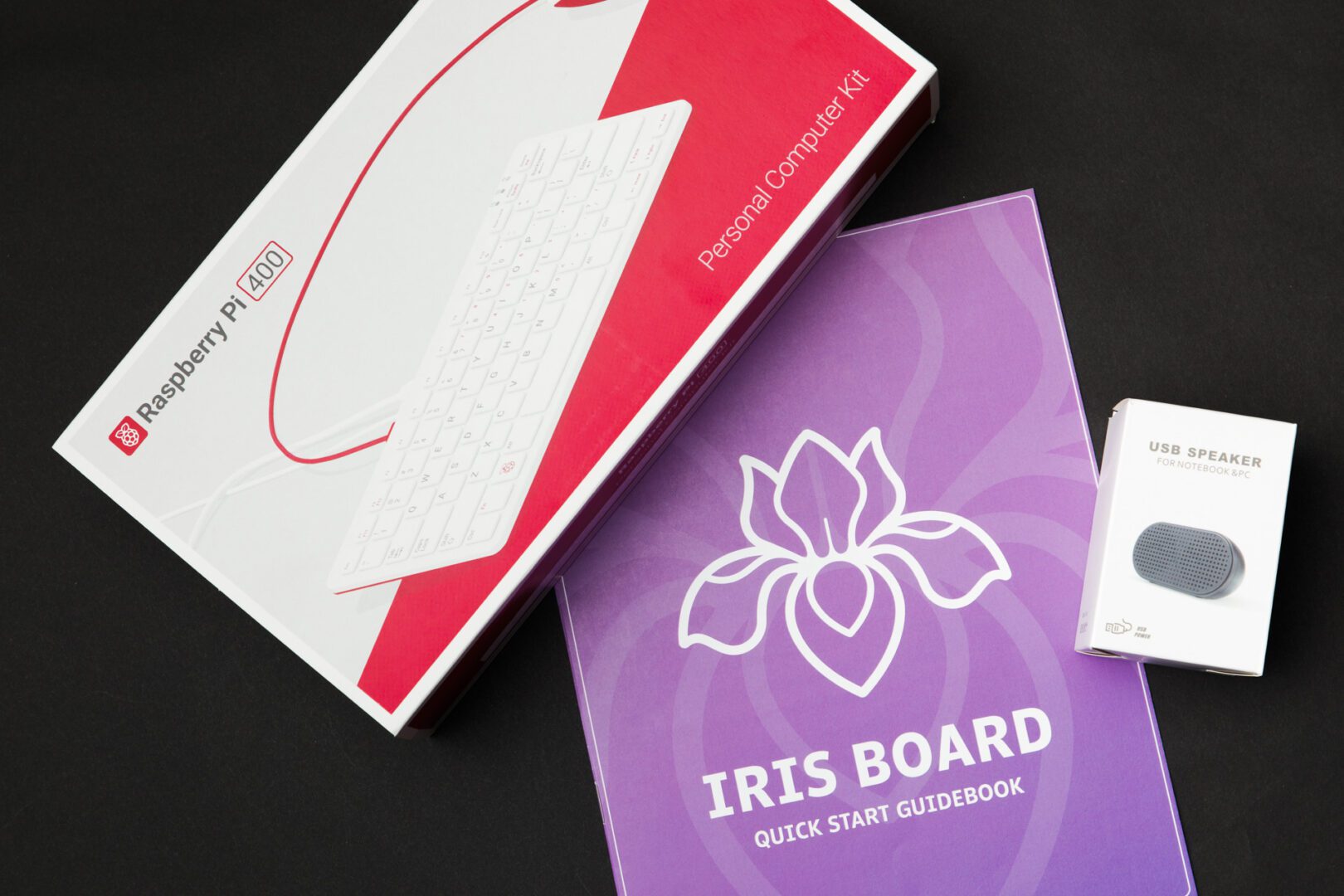
Iris introduces accessible typing lessons that are independently led and cost effective. This “all-in-one” computer and typing tutorial helps to independently train users of any age in the typing skills needed to navigate screen-readers and digital assistive technology programs. “Before using a screen reader, you need to have keyboarding access. We’ve been stuck in a ‘chicken and the egg’ situation here because in order to access mainstream typing tutorials, even those accessible to the blind, you have to have a certain level of computer knowledge,” said APH’s Technical Innovations Product Manager, Jason Martin.
Most school districts or rehabilitation facilities don’t have the budget or bandwidth to supply everyone they serve with a computer, much less with a typing or computer skills tutorial to go along with it. In many cases, individuals who have recently experienced vision loss are waiting for training in braille typing or computer skills before they can even be accepted into these programs. “The idea behind Iris is that you can have an all-in-one system, at a budget-friendly price that is accessible right out-of-the-box,” said Martin. “As long as the user can read large print or braille, they can set up the Iris board all on their own. From that point forward, voice guided instructions tell you how to access typing tutorials, games and anything inside of Iris.”
Taking Typing Further
There are multiple gamified learning opportunities within Iris to bring variety and fun to the typing tutorial lessons. ‘Stack’ requires users to type falling words before they begin to stack up at the bottom of the screen. ‘Sleuth’ provides a word jumble, and users work to spell out any individual words they find within the jumble. ‘Strike’ is a fast-paced letter recognition practice where, over the course of two minutes, users will hear a letter and attempt to type it as fast as possible. ‘Story builder’ is a unique typing tutorial that challenges traditional lessons. “Traditional typing exercises rely on hearing a word and copying it down, so you’re not really thinking about what you’re typing. That’s not the way individuals really type,” said Martin. ‘Story builder’ provides prompts to type a noun, adjective, verb, etc., before creating a story with the answers. “In the real world, we don’t do drills or just copy text, we think about it. And that’s the important part of this, you think through the words you include,” said Martin.
Iris not only provides opportunities for independent learning, but it allows TVIs, family members working with students or the students themselves to create lessons for the individual. “Typing lessons typically use a pre-recorded voice, but the thing I love about Iris is that if you have an idea for a lesson, you can go in and create your own,” said Martin. “Maybe your student is a fan of pop culture, music or restaurants. You can add specific songs or restaurants for them to type. We give you the tools to create your own lessons.”
The importance of typing education for all students is the driving force behind Iris. Even the name was developed as a nod to Martin’s own computer teacher at the Alabama School for the Blind, Iris Hamlin. “I owe a lot of my career to Iris. This product would not exist without her,” said Martin. Iris is available for $200 on-quota, and $300 off-quota. “We want access, not profit. We know keyboards are personal items, and we want to get them into the hands of students,” said Martin. To learn more about Iris, visit our website.
“With the advent of tablets, digital curriculums and even digital braille entry, students’ manual typing skills are lacking. This is really trying to bring students back to the basics of real employable skills,” said Martin. “Keyboard access gives privacy, it gives accuracy and it gives speed even at the most basic level. Typing isn’t just for ‘brilliant’ kids, it’s for all kids.”