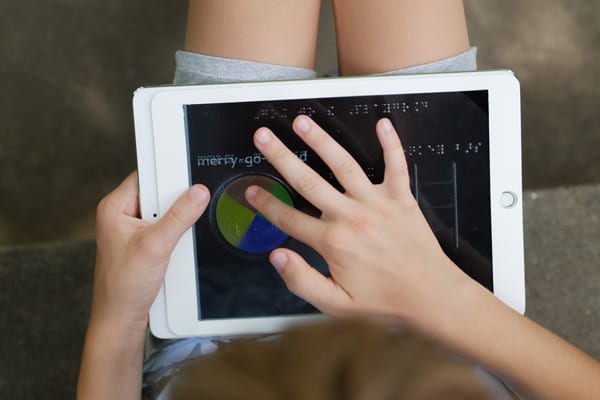
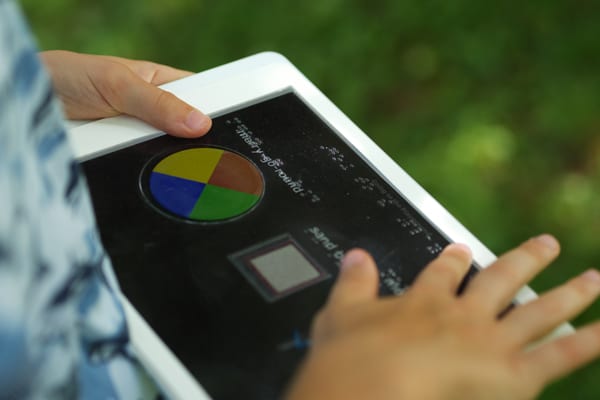
The free Going to the Playground iOS app (for use with a 9.7 inch iPad ONLY) helps young children, ages 3-5, learn orientation directions, such as left and right, in and out, and up and down, as they become familiar with the layout of a virtual playground. The app is self-voicing and includes bold and bright colors to further enhance the playground experience.
Note: This app can also be used with APH’s Going to the Playground Overlays (1-08148-00), clear overlays that introduce children to braille and tactile maps.
Privacy Note: Going to the Playground collects no user data, including personal information, student data, device information, usage data, analytics, or advertising identifiers. No account, registration, or login is required to use the app.
Accessibility Assurance Report: Download the VPAT/ACR for Going to the Playground from the Manuals & Downloads section below.
Five overlays held in place by a yellow frame
Works with a 9.7 inch iPad
Three items for the child to find on the playground: Merry-go-round, Sandbox, Monkey bars
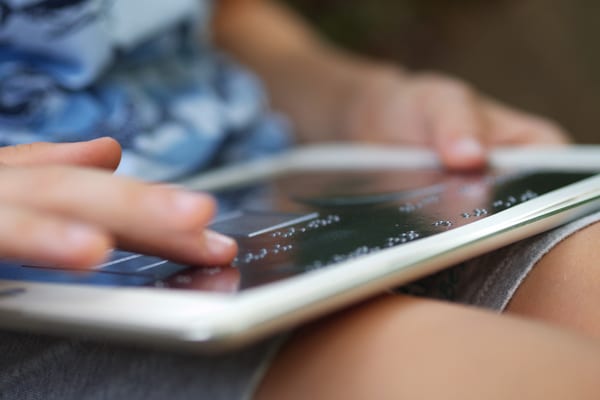
Overlays have braille above each playground item, a title, and a page number in the bottom right corner to teach pre-braille skills.
Shapes (circle, square, ladder) remain the same on all five overlays.
The braille on each overlay differs to coincide with the progression/story of the app.
The self-voicing app prompts the user when it's time to turn the page and start a new overlay.
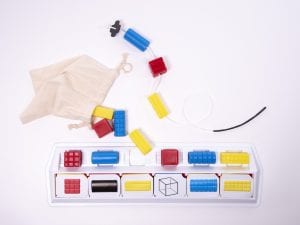
Five tactile overlays and yellow frame
An instruction sheet with a QR code to download the app from the App Store