
Expanding Tactile Graphic Access on Monarch with TactileView
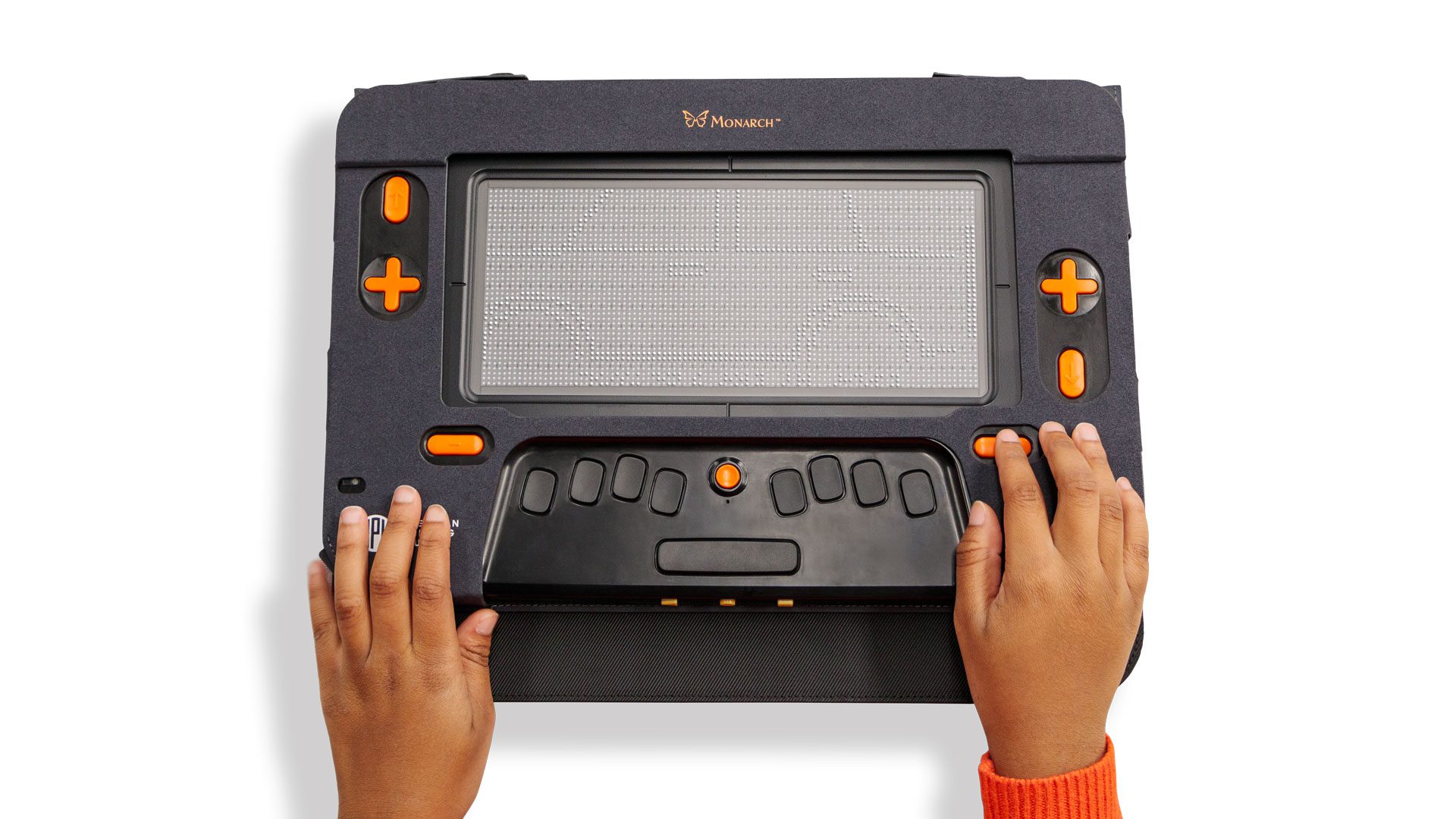
Monarch’s multi-line display makes it perfect for accessing and inspecting tactile graphics. The unique zoom features alongside 10 lines of braille create a fully interactive tactile viewing experience.
The Tactile Graphic Image Library (TGIL) on Monarch gives users access to an extensive database of over 2000 graphics. Thanks to this, 76% of students with a Monarch reported that over the last year, their exposure to tactile graphics grew exponentially. 70% of students reported that because of the volume of TGIL graphics, they had the opportunity to learn something new. With the free Wing It app, users can create unlimited on the go graphics that appear instantly on Monarch. The application pairs seamlessly with Monarch to allow anyone the opportunity to draw images for their Monarch user to view. Maps, room layouts, sports plays, games, and more can provide a visual representation of what’s happening in real time, right on the Monarch display. Now with TactileView, that access is only continuing to grow.
TactileView is a tactile graphic drafting application developed by HumanWare. It allows users to work on an accessible Windows platform for creating custom tactile graphics, converting images into tactile designs, and accessing a collection of ready-made tactile graphics. The software also supports braille labeling and customization of graphics to fit individual needs. TactileView takes professional technology and makes it easy-to-use for everyone. Currently, TactileView is available for free with the purchase of the PageBlaster embosser. Using these in tandem creates a unique opportunity to develop a graphic, optimize it for embossing inside the software, and then immediately access the embossed product. Now the TactileView reach is growing as the software becomes enhanced for use with Monarch.
The latest version of TactileView comes equipped with a Monarch setting. With this new setting, graphics created inside TactileView can be automatically optimized for the Monarch’s display. This will allow users to develop and design their graphics within the TactileView software and then see it directly on the Monarch. Because of TactileView’s unique capability to edit and restructure existing graphics or images, by using the software alongside Monarch’s zoom functions, graphics can be detailed and labeled in a way that has not previously been realistic. TactileView also allows users to add direct braille labels to images inside the software, making it ideal for customization by teachers, TVIs, parents and anyone who may be customizing pre-existing images for their student who is blind or low vision. For example, in a classroom setting TactileView may be used to convert a test or worksheet into a tactile image, and then add braille labels. With Monarch support, these customized tactile graphics can be instantly available on the student’s Monarch device for use as they complete their work.
The individual purchase of TactileView is available now on the APH store. Combining user-friendly tactile graphic software with technology like Monarch will continue to expand Monarch users’ access to tactile images.
Share this article.
Related articles
Expanding Accessible Learning Opportunities with Monarch Apps
The Monarch is a unique multi-line braille display that creates a world of endless possibility for accessible learning. While the 10-line display...
Introducing the BRF to eBraille Converter
We are excited to introduce the BRF to eBraille Converter, a new tool that helps bridge familiar braille workflows with the future...
Monarch 1.4: New Ways to Read, Connect, and Work
We’re excited to bring you the Monarch 1.4 update, which continues to expand how Monarch fits into everyday reading, learning, and...