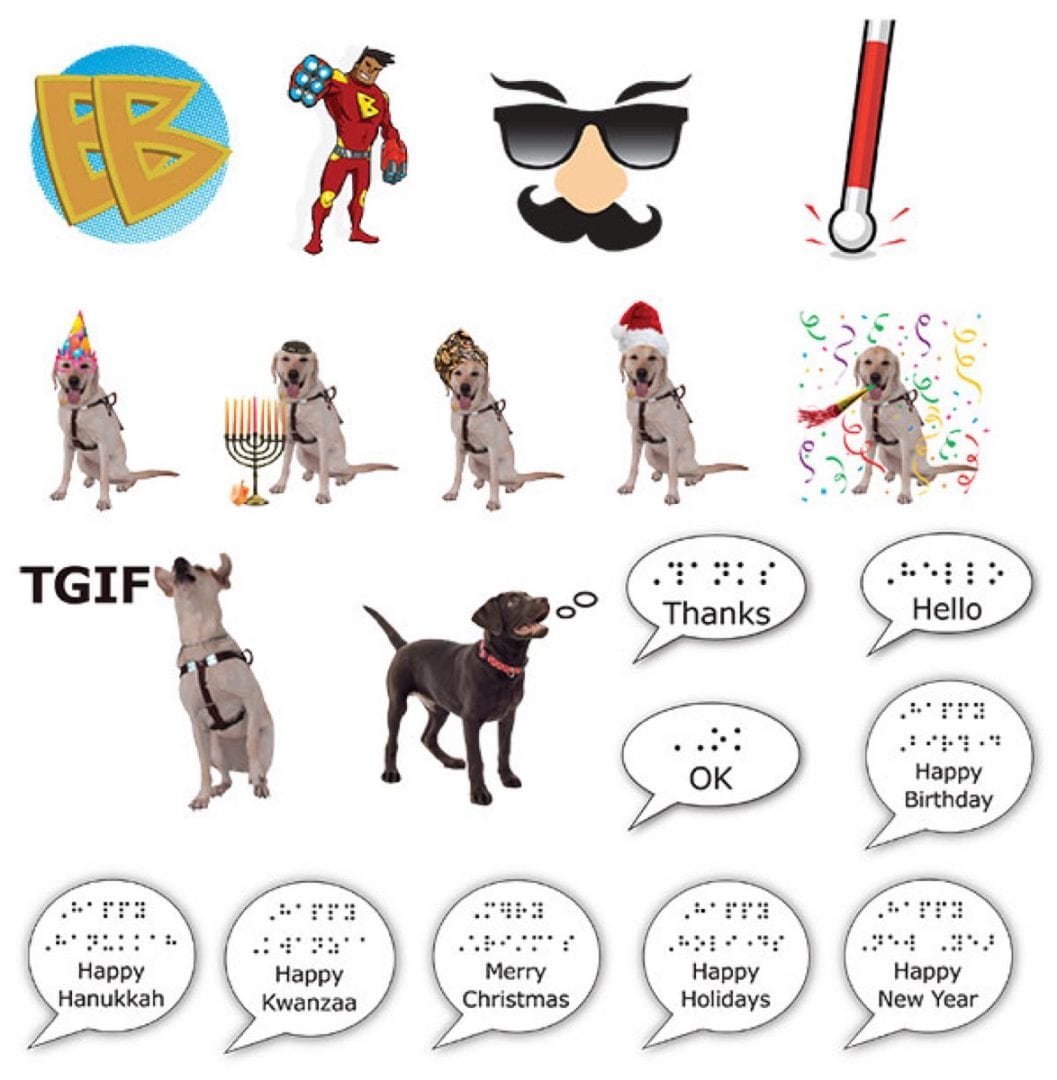
Free on the App Store(SM), these 19 fun, accessible stickers are great for sharing!
How to Use After downloading: Within the Messages app, look for these stickers under the “Message Apps” button (the button containing the capital “A” shape) in your text message screen. You may need to open the “apps drawer” using the four-dot icon at the lower left of the screen to see Braille Badges.
Privacy Note: Braille Badges collects no user data, including personal information, student data, device information, usage data, analytics, or advertising identifiers. No account, registration, or login is required to use the app.
Accessibility Assurance Report: Download the VPAT/ACR for Braille Badges from the Manuals & Downloads section below.