
Wing It
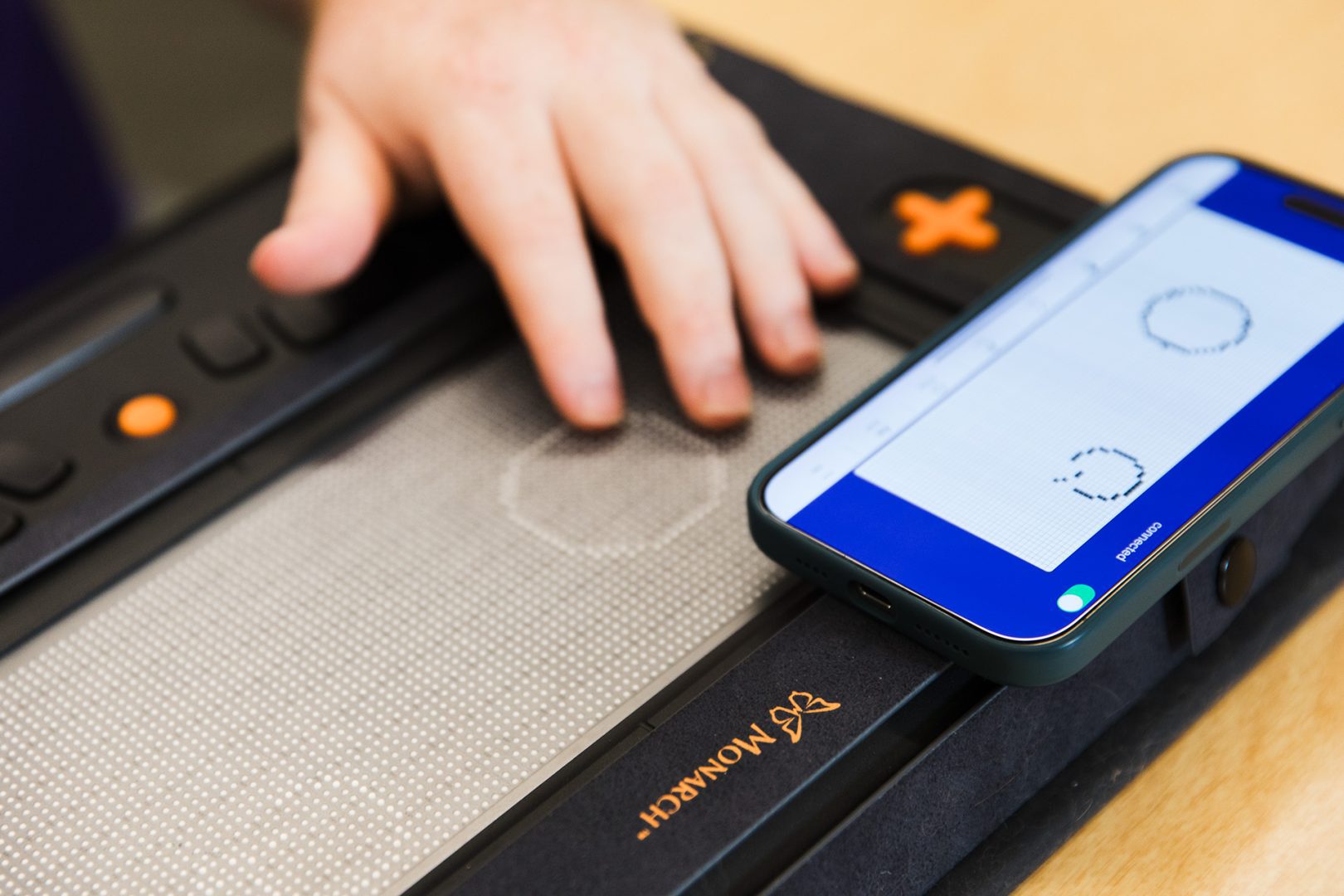
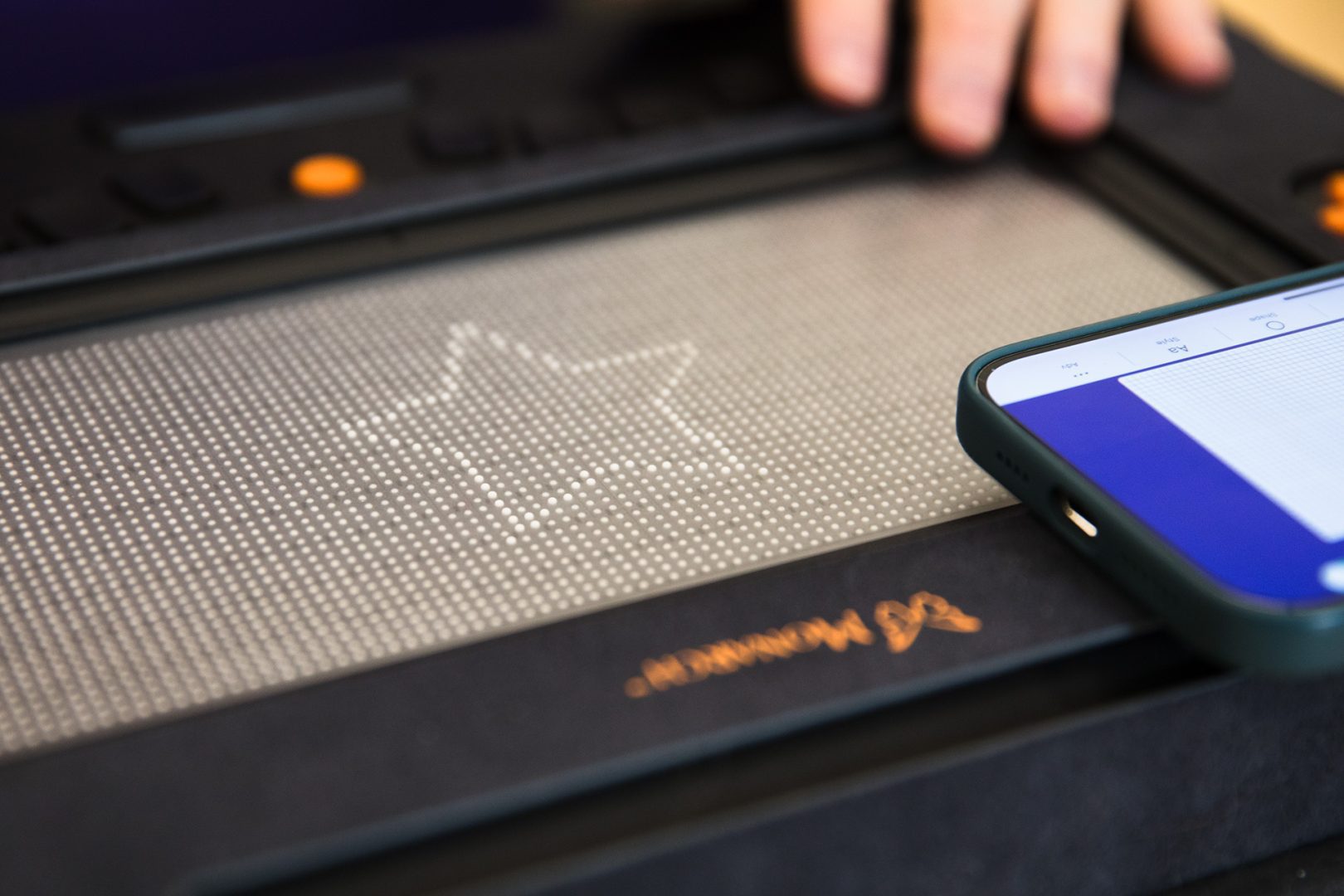
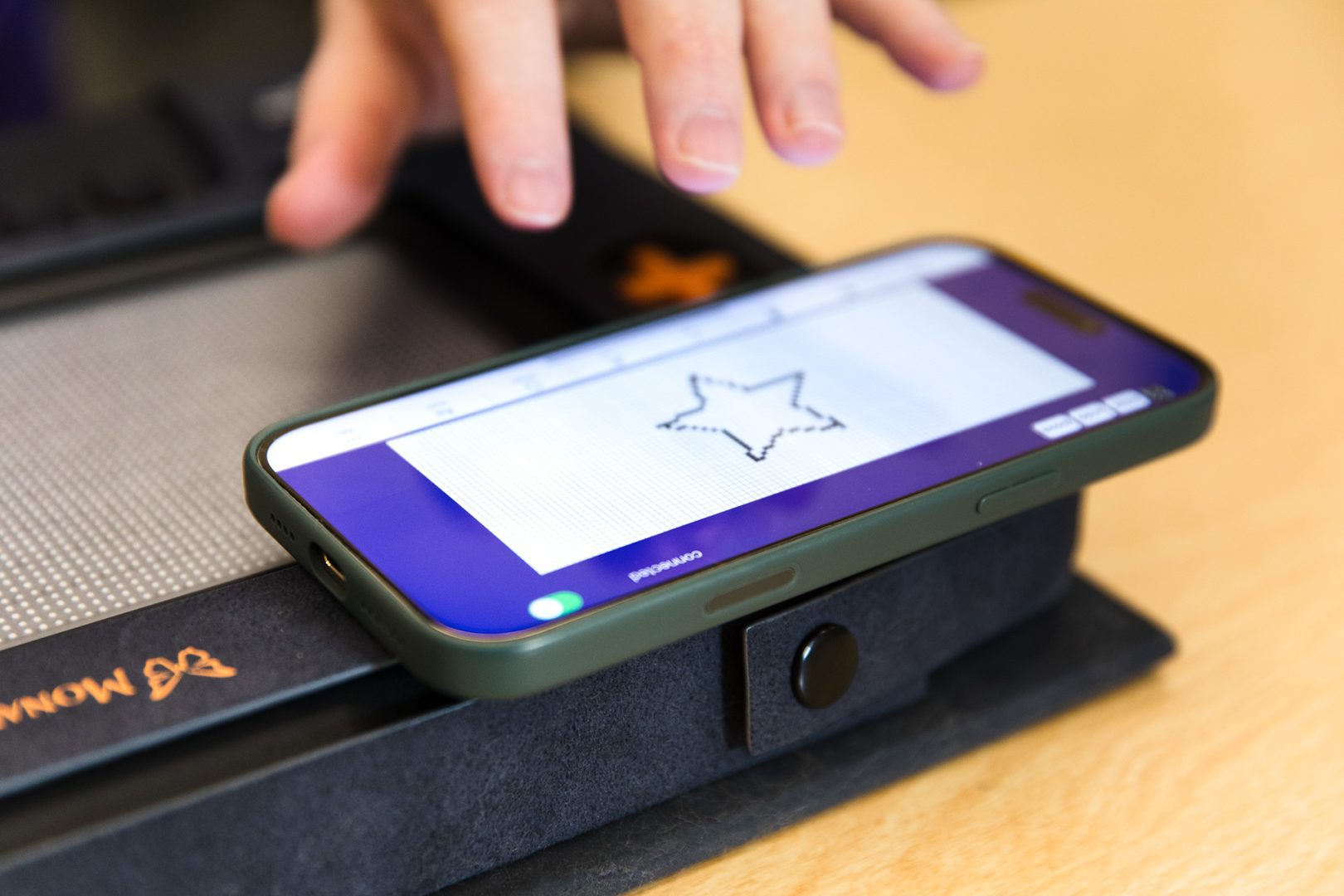
Create tactile graphics on the fly with Wing It, a new tactile drawing tool for Monarch that transforms your handmade drawings into raised-line images.
Download Wing It for FREE at the Apple App Store.
Note: Wing It is included in Monarch software update 1.3. Please check your KeyUpdater app to verify you are using the most up-to-date version.
Federal Quota Eligible
Catalog Number: D-42000-AP
Product Description
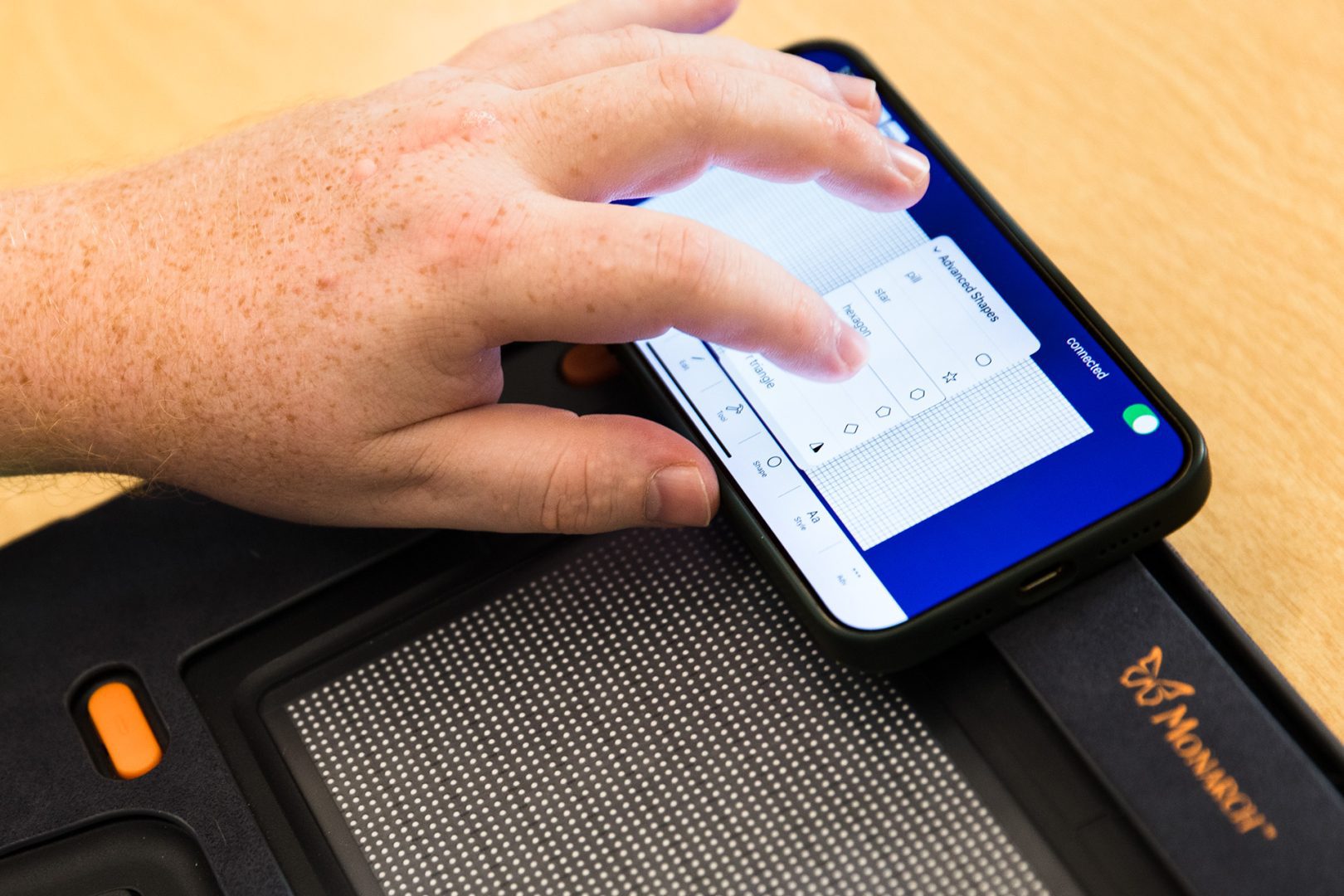
Wing It is a tactile drawing and labeling tool designed to support students who rely on tactile graphics. It utilizes the Monarch, a dynamic tactile display, and your iOS device to allow teachers to create raised-line graphics in real time while students explore them through touch. Drawings made on your iPad or iPhone are instantaneously transformed into tactile graphics on the Monarch. Lines, shapes, and braille labels appear instantly as they are drawn, giving students immediate access to spatial information. Teachers can also design and save graphics in advance for future lessons. Through Wing It’s ability to support spontaneous learning, it bridges the gap between visual content and tactile learning, fostering greater engagement in subjects like math, science, and geography. Wing It makes it easy to translate visual ideas into tactile experiences on the fly.
Note: Because Wing It utilizes technology built into the most recent generations of iOS devices, the iPad and iPhone models listed below currently DO NOT support this app. We hope to expand support with future updates.
- iPhone SE (all generations)
- iPhone XR
- iPhone XS and iPhone XS Max
- iPhone X
- iPhone 8 and iPhone 8 Plus
- iPhone 16E
- A16 iPad
- 4th generation and earlier iPad Pro and iPad Air models
-
- “Student enjoyed the ability to create their own graphics…this is cool”
- “We used the Wing It app to draw a tactile map of a college campus that we were going to explore. One of my students enjoyed just doodling and exploring what he drew.”
- “I would recommend Wing It to other professionals., The app supported my goals for tactile literacy and access., I felt confident using the app after basic orientation., I would continue using Wing It in future sessions.”
- “My students and I enjoyed this app. I am looking forward to seeing the final product and continuing to explore its many uses.”
- “The student was very engaged with creating their own tactile graphics. It was a great experience. We hope to have more time to explore the app and use it more robustly when it is ready to go! Thank you for creating it!!”
-
Wing It Application – Frequently Asked Questions (FAQ)
General Overview
Q: What is the Wing It application?
A: Wing It is a tactile drawing and labeling application developed for learners who are blind or have low vision. It runs as a unified system across both the Monarch tactile graphics display and an iOS device. Users can explore tactile graphics rendered on the Monarch while interacting with content via accessible tools.Q: Who is Wing It designed for?
A: Wing It is intended for educational settings that serve students who are blind or have low vision. It enables users to explore diagrams, navigate graphics through touch, and add braille labels—providing multisensory access to visual information.System Integration
Q: How does Wing It function across iOS and Monarch?
A: Wing It operates in tandem on an iOS device and the Monarch tactile display. The iOS app is used to draw and manage graphics, while the Monarch renders the output as real-time tactile content. The two devices remain connected to allow interactive and responsive use.Q: How do the Monarch and iOS device connect?
A: Wing It uses low-power Bluetooth (BLE) to connect to the Monarch. It does not require traditional Bluetooth pairing. Instead, users connect by toggling a switch within the app, simplifying the process and eliminating the need to manage pairing through iOS settings.Q: Can users interact with graphics on the Monarch?
A: Yes. Users can independently explore graphics on the Monarch by touch and can use pan and zoom gestures to navigate the graphic space. They can also add braille labels directly, enhancing accessibility without needing to draw themselves.Key Features
Q: What are the main capabilities of Wing It?
A:- Drawing tools (used via iOS): pencil, brush, fill, and erase
- Real-time tactile output on the Monarch display
- Independent braille labeling directly on tactile graphics
- Pan and zoom gestures on the Monarch for navigation
- File management: save, open, and share tactile graphics
Q: Can users draw directly on the Monarch?
A: No. Drawing is done through the iOS app, typically by a teacher or facilitator. However, users can independently pan, zoom, and apply braille labels using the Monarch interface.Q: Does Wing It support VoiceOver?
A: Yes. The iOS portion of Wing It fully supports VoiceOver, ensuring accessibility for blind and low vision users.Installation and Updates
Q: Where can I install Wing It?
A:- iOS Device: Wing It is available for download on the Apple App Store. Search for “Wing It” and install it like any standard iOS application.
- Monarch Device: Wing It is included in the latest Monarch firmware update. To ensure you have the most current version:
- Connect your Monarch to your computer.
- Launch the KeyUpdater
- Follow the on-screen prompts to download and install the latest software.
Keeping both the iOS app and Monarch firmware up to date ensures full compatibility and access to new features.
File Support and Workflow
Q: Can graphics be saved and reopened later?
A: Absolutely. Wing It supports saving and loading graphics, allowing ongoing access to instructional materials or user-created diagrams.Q: Are tactile updates reflected immediately?
A: Yes. Any edits made through the iOS interface are rendered in real time on the Monarch, ensuring immediate tactile feedback for the user.Technical and Support Information
Q: What hardware is required?
A: Wing It requires both a compatible iOS device and the Monarch tactile graphics display. These work together to deliver a synchronized, accessible experience.Q: Where can I go for support or to report a bug?
A: For help, feedback, or to request features, contact APH through official support channels or reach out via your assigned point of contact if participating in a pilot or test phase.Q: Is Wing It still being updated?
A: Yes. Wing It is actively being improved, with continued focus on usability, tactile rendering fidelity, labeling efficiency, and full accessibility.Troubleshooting Tips for iOS and Monarch Integration
If Wing It or a similar application is not functioning correctly, here are general troubleshooting steps:
iOS Troubleshooting:
- Force Quit and Relaunch the app from the app switcher.
- Check for Updates in the App Store to ensure you have the latest version of Wing It and iOS.
- Restart the iOS Device to reset any temporary glitches.
- Ensure Bluetooth and Wi-Fi are enabled if connectivity to other devices is required.
- Verify VoiceOver is Active (if needed) and that it’s not conflicting with app behavior.
Monarch Troubleshooting:
- Confirm the Monarch is Powered On and connected properly to the iOS device.
- Check that Bluetooth is turned on.
- Restart the Monarch by powering it off and on again.
- Ensure Firmware is Up-to-Date, as compatibility issues may arise with older versions.
- Look for Error Indicators on the Monarch screen or tactile surface for clues.
Connectivity/Integration Tips:
- Reconnect the App to the Monarch via connection switch in Wing It.
- Verify App Permissions in iOS (e.g., Bluetooth access, local network access).
- Consult Official APH Documentation for any unique pairing or setup steps specific to your model.
-
Language: English
Federal Quota Funds: Available
-
Contact Customer Service to discuss your warranty options.
Other Products
Book Port DT: Mask Cover
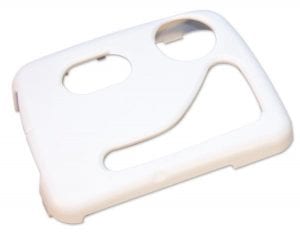
Replacement item for Book Port DT
$8.00
Catalog Number: 45-001-003
Federal Quota Eligible
94 in stock
product
All Aboard! Magnetic Dry Erase Board
Replacement item for All Aboard! The Sight Word Activity Express.
$39.27
Catalog Number: 1-03559-00
Federal Quota Eligible
391 in stock
product
Tactile Algebra Tiles
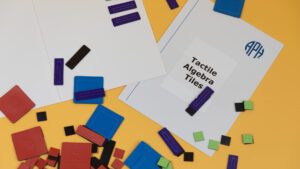
Tactile Algebra Tiles are colorful, magnetic tiles that can be manipulated on a steel board to assist students in solving…
$159.00
Catalog Number: 1-08410-00
Federal Quota Eligible
61 in stock
product