The Dot Experience is now open! Buy your tickets today.

Monarch: More Than a Tablet
October 8, 2026
When people first hear about Monarch, they usually call it a braille tablet. That makes sense. It has apps, it’s portable, and it fits into a category people already understand.
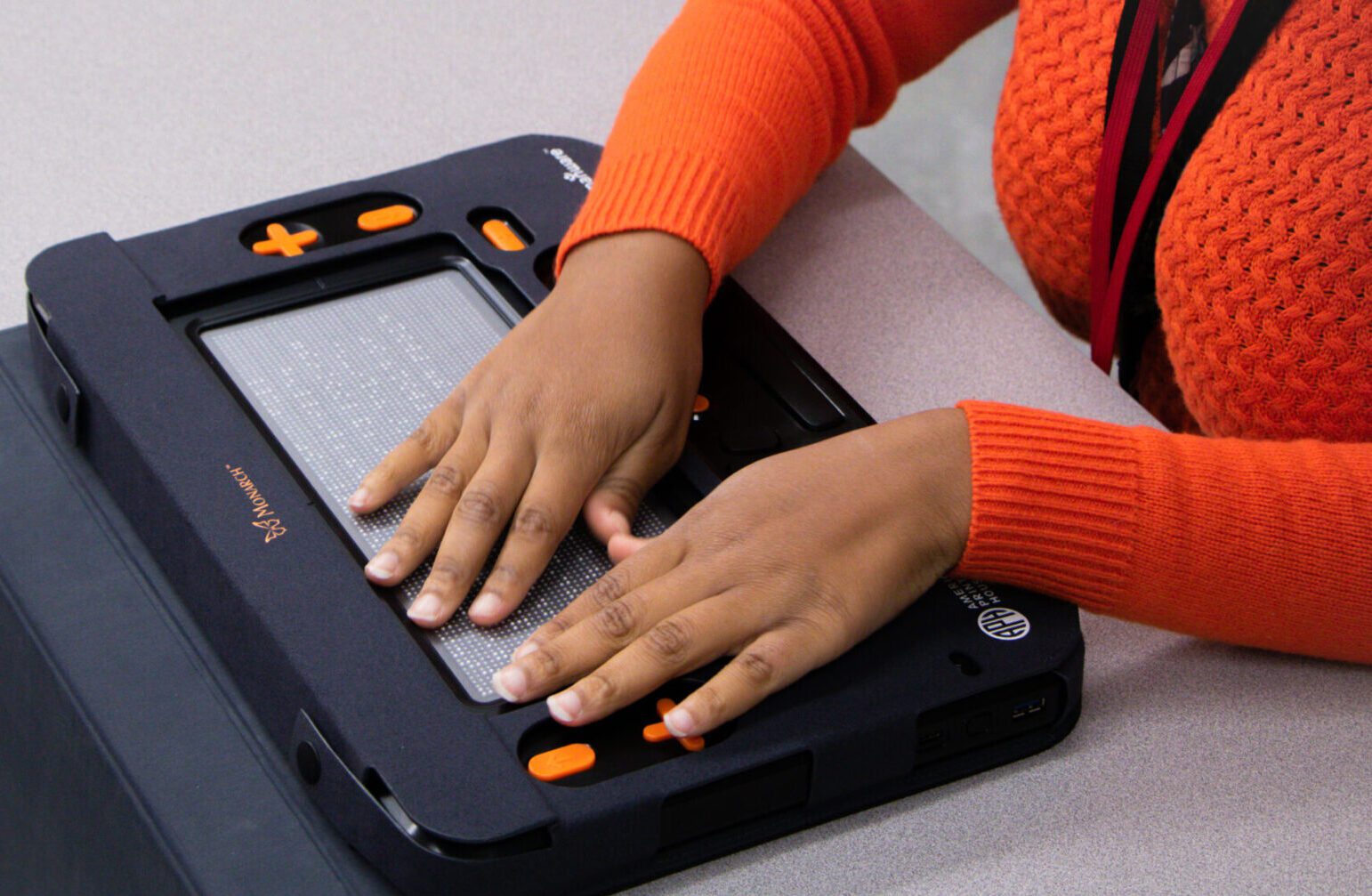
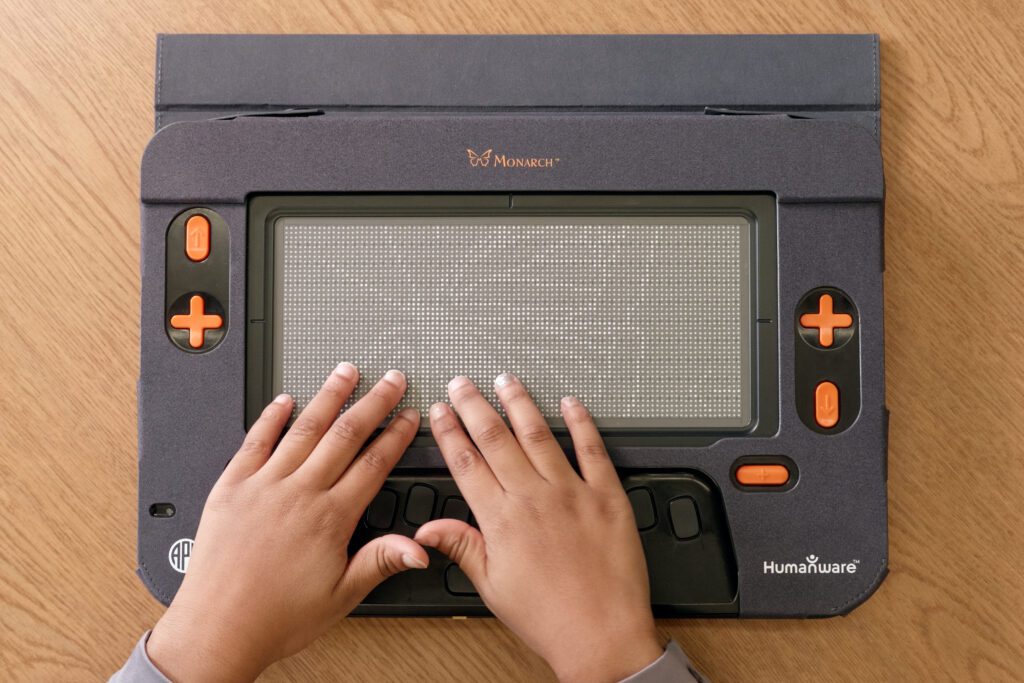
That description doesn’t quite capture what it actually is, though. At its core, Monarch brings together ten lines of braille with dynamic tactile graphics on the same display. That changes how content is experienced. You’re not limited to a single line of text, and you’re not waiting for embossed graphics to be produced ahead of time.
The Monarch can follow a user throughout the day, making it easier to access curriculum, complete work and be more independent. Think about a typical school day. A student might start by reading a textbook in Victor Reader, move to KeyWord to complete an assignment, use KeyMath during math class, and explore a tactile graphic in science class. That same student can access files through Google Drive or OneDrive, email an assignment through KeyMail, use Visual Preview to share their work with a sighted teacher, and use Exam Mode when it’s time for an assessment. Monarch can even be used as a braille terminal with another device.
Textbooks are a good example. Monarch can be used to access books and textbooks through Victor Reader, including eBraille content. With eBraille, text and tactile graphics can be included together in the same publication. Instead of thinking about accessible materials one book at a time, the Monarch can continue to be used as a student’s textbooks and classes change. Tactile graphics are another good example. Students aren’t limited to graphics that have been prepared specifically for one lesson. Tactile Viewer connects directly to APH’s Tactile Graphics Image Library (TGIL), giving users access to a large collection of tactile graphics.
What makes it feel different is how much you can do beyond those basics. There are now a range of apps that take advantage of the tactile display in ways that go well beyond traditional access. Wing It, for example, allows users to create and edit tactile graphics directly on the device. You can sketch something out, label it in braille, and immediately explore it. That changes how materials are created, especially in classrooms where content often needs to be adapted on the fly.
There are also apps focused on exploration and interaction. The Periodic Table app lets users navigate chemical elements in a structured, tactile layout. Chess brings a fully playable board to the display, making spatial strategy games directly accessible, with options to play locally, with others, or against the computer. Together, these apps show that Monarch isn’t limited to reading content. It supports creating, interacting, and experimenting in ways that weren’t previously possible. That extends to how content is shared.
Monarch makes it straightforward to move between tactile and visual environments. A student can work directly on the tactile display while a teacher or peer follows along on a connected monitor. At the same time, files can be saved and accessed through built-in cloud integration, including OneDrive and Google Drive. Content can be created in one place, shared, and picked up somewhere else without extra steps or conversion.
That combination matters. It means Monarch fits into existing workflows instead of requiring new ones. It’s a platform that already supports reading, writing, graphics, games, and collaboration in one place. Monarch isn’t just providing access to content. It gives users more ways to interact with and share it.
It is important to look at what investing in a Monarch provides. You’re not purchasing access to one textbook, one tactile graphic, or one application. Monarch can continue to provide access to different books, assignments, graphics, and tools as a student’s needs change. While “braille tablet” is an easy way to describe Monarch- after seeing everything it can do and how much that continues to grow with updates like 2.0 it is obvious that Monarch is so much more than a tablet.
To learn more about Monarch and the many Monarch Projects, visit our Meet Monarch page. To read about some of the lives impacted by Monarch, visit our blog site, or dive into a few of the stories linked below.
- A Bigger Milestone, A Broader Reach: MSPP Enters Year Three
- Monarch Update 2.0 Expands Accessible Learning Opportunities
- Bringing Dynamic Braille Files to Life with eBraille and Duxbury
- Monarch is Making a Difference: Kristina Vannoy’s Story
Share this article.
Related articles
A Bigger Milestone, a Broader Reach: MSPP Enters Year Three
A Milestone Worth Celebrating American Printing House for the Blind (APH) is celebrating a major milestone for the Monarch Student...
Product Updates & Upgrades
The American Printing House (APH) is always working to improve what already exists as we produce new technology and products...

Building an Easy Transition to Braille Learning with Braille Bridge
Learning to read braille as an adult can be a daunting task. The majority of early braille learning materials often...