


Cyberchase: Echo Explorers for Monarch
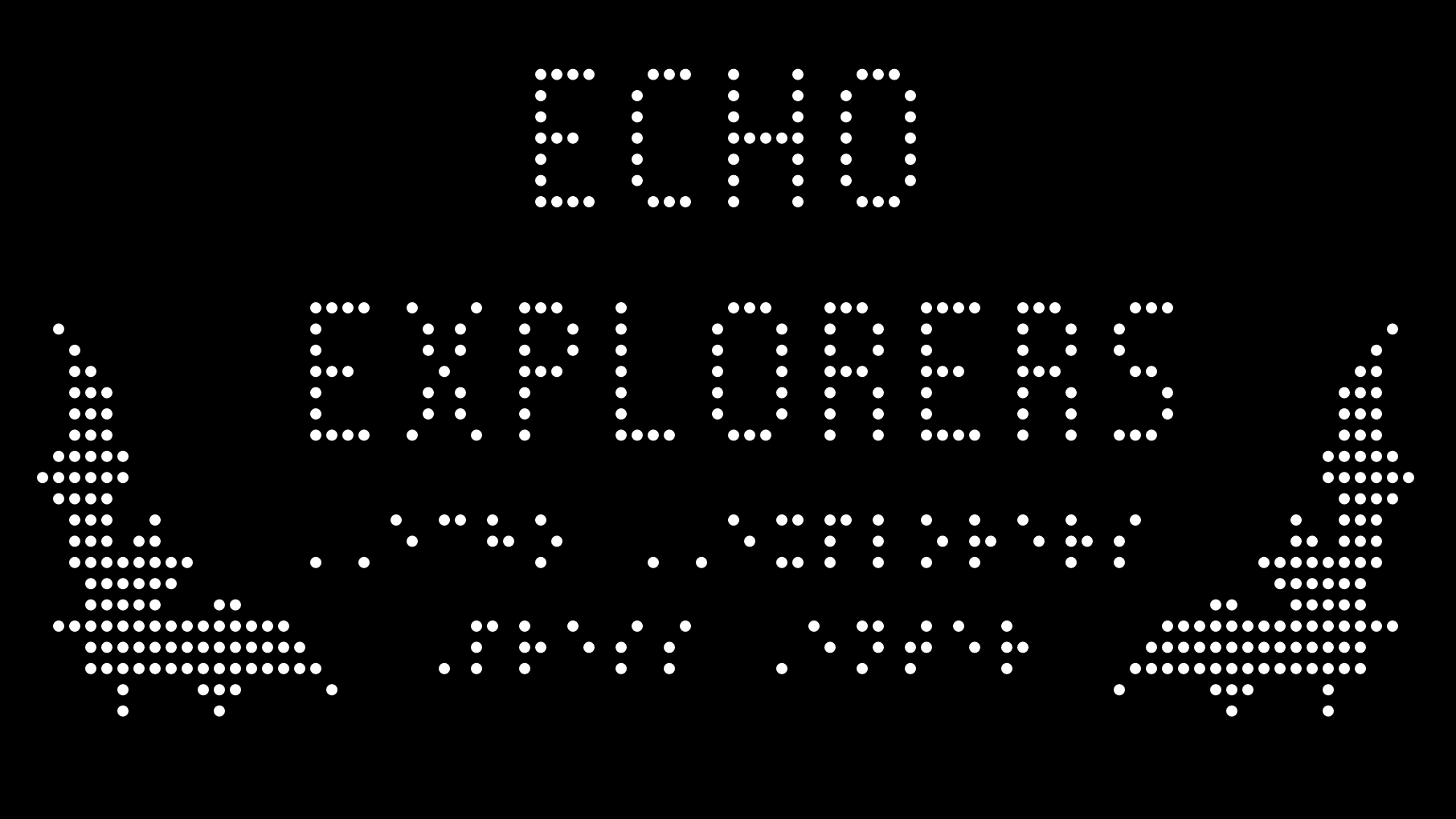
In Cyberchase: Echo Explorers, players help Brigit save her cactus apple flowers by freeing the pollinating bats in Monarch’s first tactile video game adaptation, created in partnership with The WNET Group, Bridge Multimedia, and PBS KIDS.
Federal Quota Eligible
Catalog Number: D-32000-AP
Product Description
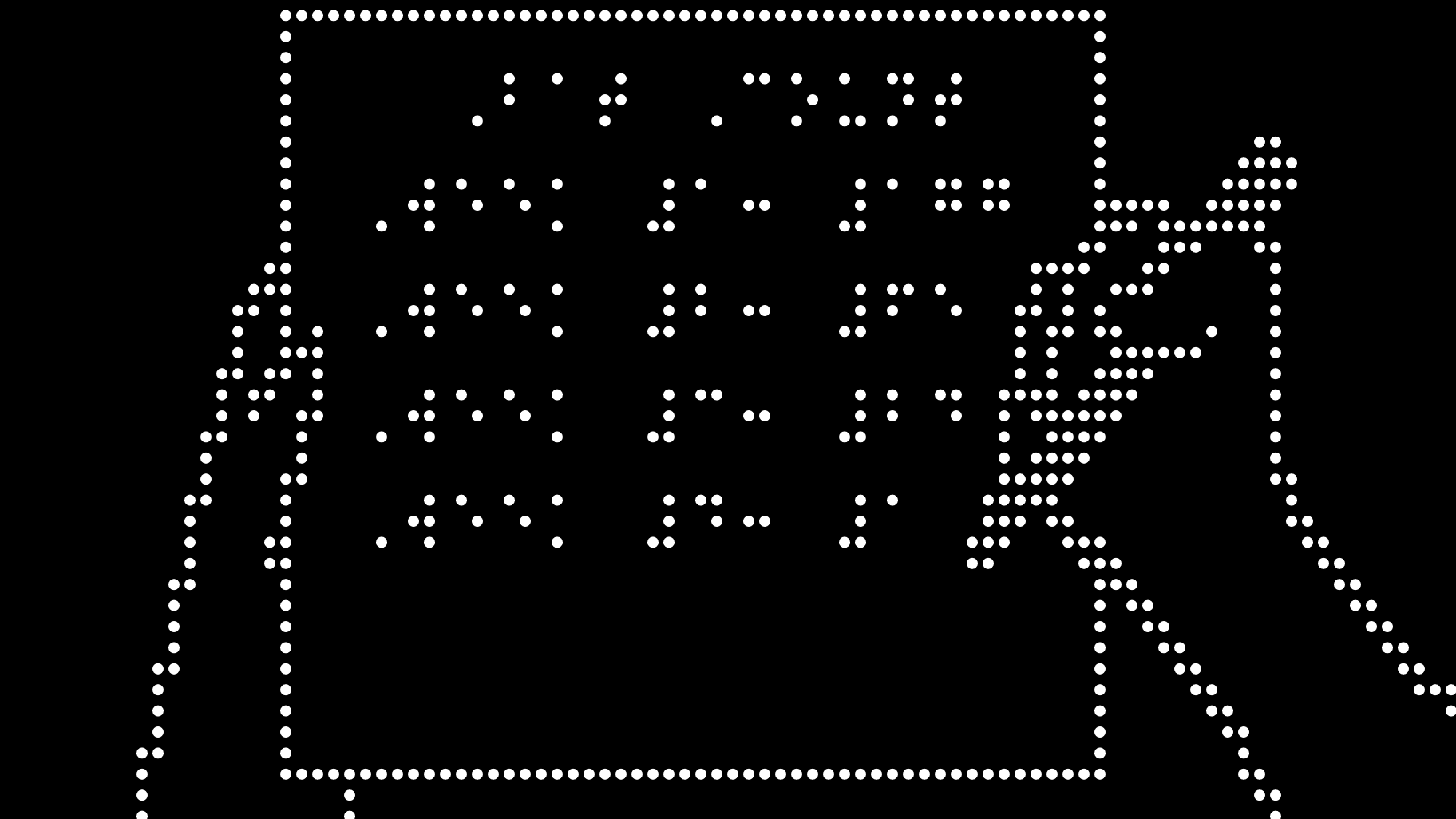
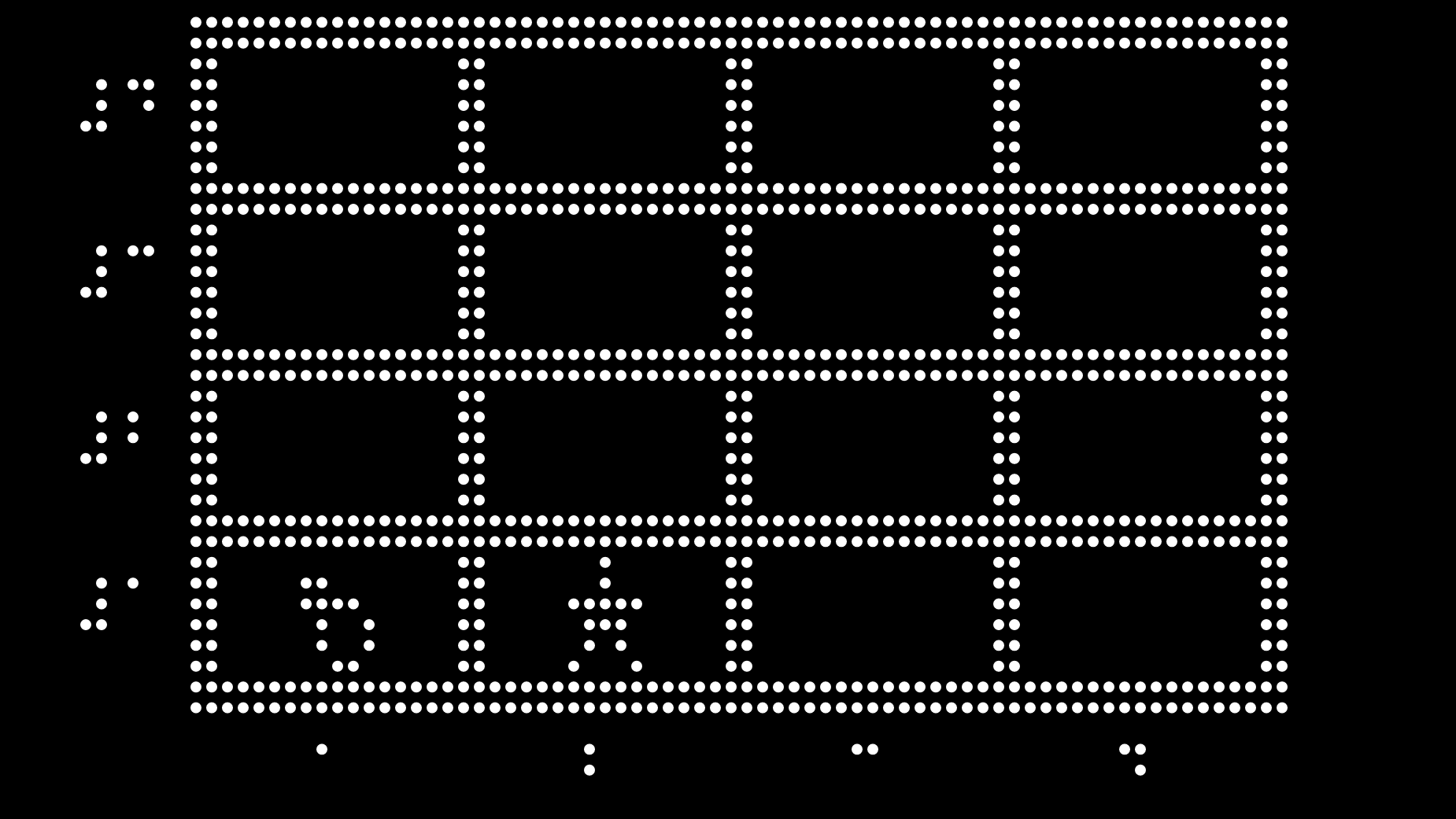
Cyberchase: Echo Explorers is a first-of-its-kind tactile video game adapted for the Monarch platform, transforming the original PBS KIDS experience into a fully tactile, born-accessible adventure. Featuring characters from the PBS KIDS series Cyberchase, the game includes all original audio from the PBS KIDS release alongside custom tactile graphics designed specifically for Monarch. When the villain Hacker traps the bats that pollinate Brigit’s cactus apple flowers in dark caves, it’s up to players to help set them free. Using coordinate grids and spatial navigation, players explore math concepts like directionality and mapping while learning about scientific topics such as pollination and echolocation. Built with universal design in mind, the game includes closed captions for DeafBlind users, audio descriptions of tactile images, and a playful tactile gaming experience, representing the first mainstream game that braille readers can play directly through touch in their own medium.
Discover more about this educational game in our Echo Explorers video!
To download Echo Explorers on your Monarch, please follow these instructions:
Cyberchase: Echo Explorers is an optional application that can be installed onto your Monarch. Monarch Firmware 1.4 or later is required.
To ensure you have the most current version:
- Connect your Monarch to the internet.
- Launch the KeyUpdater application found in “All Applications”.
- Follow the on-screen prompts to download and install the latest software.
Once you are running Firmware 1.4 or later, you may install Cyberchase: Echo Explorers by following these steps:
- Make sure your Monarch is connected to the internet and run the KeyUpdater application found in “All Applications.”
- Select the “Install Other Applications” option, and press enter.
- In the list of applications, select “Cyberchase: Echo Explorers,” and press enter.
- Select “Download Cyberchase: Echo Explorers,” and press enter.
- Cyberchase: Echo Explorers will download to your Monarch. When the download is complete, press enter to dismiss the confirmation message that appears.
-
Federal Quota Funds: Available
-
Contact Customer Service to discuss your warranty options.
Other Products
UEB Math Tutorial

APH’s online UEB Math Tutorial informs teachers and students on using UEB for mathematics through online lessons and exercises. And…
Catalog Number: D-30032-ED
Federal Quota Eligible
product
This product is discontinued.
Orion TI-30XS MultiView Talking Scientific Calculator
The Orion TI-30XS MultiView™ Talking Scientific Calculator features speech output, making complex mathematics easier than ever for visually impaired users…
Catalog Number: 1-07330-00
Federal Quota Eligible
product
Woodcock-Johnson IV (WJ IV): Adapted for Braille Readers
Provided in contracted and uncontracted UEB with Nemeth and UEB Math/Science. Shipping Limitations: This product only ships to the United…
$1,252.25
Catalog Number: 6-66001-00
Federal Quota Eligible
product